Learning Design Manager
Typical UK salary range £40,000 - £80,000
Guide figure. Pay varies by employer, location and experience.
They utilise instructional design principles and e-learning software. Strong leadership, creativity, and instructional design expertise are essential.
Typical UK salary range £40,000 - £80,000
Guide figure. Pay varies by employer, location and experience.
They utilise instructional design principles and e-learning software. Strong leadership, creativity, and instructional design expertise are essential.

Key skills for Learning Design Managers
- Communication Skills
- E-learning Tools
- Instructional Design
- Leadership
- Project Management
Find Learning Design Manager roles
Search live vacancies on these job boards.
Courses for Learning Design Managers
Recommended training to build the skills employers look for in this role.

AI Ethics
From £349 + VAT
One day Classroom Live online Private options
Build practical AI ethics skills on this one-day course.
Covering fairness, bias, privacy, accountability, the EU AI Act, UK regulatory frameworks and implementing ethical safeguards — using real case studies throughout.
Ideal for professionals responsible for AI use within their teams or organisations.
- Identify and assess ethical risks in AI systems
- Recognise bias, fairness and transparency issues
- Conduct privacy and fairness assessments
- Navigate accountability questions with confidence
- Implement ethical safeguards
-
"Great experience of new developments in a fast moving area."
10 August 2026 - With Simon
-
"Great overview of the topic with really good working examples. Great to share examples with other delegates to see what challenges they are facing and how they deal with them which will be super helpful."
10 August 2026 - With Simon
-
"Explaining the subject with real world examples."
SciencePhoto Library - 10 August 2026 - With Simon
- More reviews

Assertiveness
From £449 + VAT
One day Live online Private options
Build your assertiveness skills on this practical one-day course.
Covering assertive, passive and aggressive behaviour styles, honest self-assessment, expressing yourself clearly without aggression, positive language and voice control, applying assertiveness in meetings and difficult conversations and setting and maintaining boundaries.
- Recognise assertive, passive and aggressive behaviour
- Assess and improve your own communication style
- Express yourself clearly and directly without aggression
- Apply assertiveness in meetings and difficult conversations
- Set and maintain professional boundaries confidently
-
"So pleased the course went ahead - very useful. Key points addressed and support given. Opportunity to ask questions and relate to my own personal experience. Good examples provided too of different scenarios to help me remember key points. Thank you!"
8 May 2026 - With Michael
-
"Clear communication and friendly, inclusive environment."
BBC - 3 February 2026 - With Michael
-
"I love that this was a small cohort - made it easier to be vulnerable. Michael was incredible. He understood all our challenges (given the whole class was female) and was empathetic. I've taken a lot from this course and would recommend to others."
CLEO Systems - 3 February 2026 - With Michael
-
"Very welcoming and friendly arrival. Comfortable surroundings. Friendly, knowledgeable and interesting trainer."
EBRD - 3 February 2026 - With Michael
-
"Michael was very informative and had lots of real life examples which helped with understanding."
24 September 2025 - With Michael
- More reviews

Captivate Intro
Private training: ask for a quote
Two day Live online Private options
Create professional interactive e-learning content on this two-day Adobe Captivate course.
Covering project setup, Master Slides, object styling, screen recordings, software simulations, audio integration, quizzes, branching scenarios and responsive publishing — no coding required and suitable for complete beginners entering the e-learning field.
- Build basic and branching e-learning presentations
- Create and apply animations to slides and objects
- Record, edit and integrate voiceover audio
- Produce screen recordings and software simulations
- Add quizzes, branching and interactive elements
-
"Very informative, listened to how we would use the software. Supported in helping work through our queries and question to suite our need in using the application."
Royal Free Hospital - 11 September 2025
-
"The trainer came to our place of work which made it much easier for us to access what we needed. He was responsive to what we needed, was very knowledgeable and was able to answer all our questions. Lots of little "light bulb" moments even though I have already been using Captivate, the trainer was able to show me some very helpful things. Thank you"
Royal Papworth Hosptial - 27 March 2024
-
"Excellent facility. Trainer was very well organised with pre-set workable examples and a good balance between content delivery and workable examples. The course was easy to follow along and offered opportunity to both follow and listen as well as make all my relevant notes."
Training - 9 November 2023
-
"Really lovely space, and the food and refreshments were amazing! Made such a difference to the learning experience, especially in quite a detail heavy course where breaks really matter."
N/A - 9 November 2023
-
"The course and the catering were both excellent - thank you so much!"
Met - 2 November 2023
- More reviews

Conflict Resolution
Private training: ask for a quote
One day Live online Private options
Learn to manage and resolve workplace conflict on this practical one-day course.
Covering conflict stages, emotional intelligence, using body language and tone of voice positively, verbal de-escalation techniques, conflict resolution strategies for different situations and knowing when to involve HR or management.
- Recognise the stages of escalating conflict
- Apply emotional intelligence in difficult situations
- Use body language and tone to influence outcomes
- De-escalate tension using verbal and non-verbal techniques
- Choose the right conflict resolution strategy
-
"Course was very targeted and narrowed down to daily issues we face. and loved the interaction without any cut off half way through."
Zapp - 24 July 2025
-
"Excellent delivery, and examples to illustrate meaning."
Zapp - 24 July 2025
-
"The trainer and the training were effective, and the examples were relevant."
Zapp - 24 July 2025
-
"Organising of course. Content was just what I was looking for"
Scottish Government - 4 November 2020
-
"Overall I have a very good training experience and would make recommendations to use Media Training again. Thank you"
Vanquis - 3 April 2018
- More reviews

Good Communication
From £449 + VAT
One day Live online Private options
Develop stronger communication skills at work on this practical one-day course.
Covering verbal and non-verbal communication, passive, aggressive and assertive behaviour, active listening, giving and receiving constructive feedback and communicating clearly in a range of professional contexts — suitable for all levels.
- Understand verbal and non-verbal communication
- Distinguish assertive, passive and aggressive styles
- Develop active listening techniques
- Give and receive constructive feedback
- Communicate clearly in professional situations
-
"Great structure of the course with great examples I could relate to. The information provided in the course could easily be translated into practical actions which made me feel more prepared and confident for the future."
9 July 2026 - With Michael
-
"Great at communicating beforehand and throughout the day."
Virgin - 16 March 2026 - With Michael
-
"Thank you so much for the course Michael! It was very useful and I will use what I learned today."
8 August 2025 - With Michael
-
"Very organised and lovely environment to learn in. Michael was a very engaging and I liked his light hearted approach to the training."
11 June 2025 - With Michael
-
"Very accessible level of training but still in depth. Lots of tools which can be taken forward. Centre was great, I will look to do more training courses here!"
Tracy Gilbert MP - 11 June 2025 - With Michael
- More reviews

Good Grammar and Punctuation
Private training: ask for a quote
One day Live online Private options
Good grammar is essential for effective communication.
This course will provide an excellent understanding of how English grammar works.
This will enhance your written communication skills, build your credibility, and help you convey your thoughts with clarity and precision.
- Construct clear, well-formed sentences
- Apply punctuation rules with confidence
- Build effective paragraphs that flow naturally
- Use tenses correctly and consistently
- Get apostrophes and plurals right every time
-
"Rosie was very knowledgeable, friendly and efficient. Worked to a schedule with plenty of rest breaks."
17 October 2025 - With Rosie
-
"Course was very helpful and having the materials to take away was great"
London Ambulance Service - 20 August 2025 - With Rosie
-
"Rosie was super knowledgeable and listened to all our questions and examples."
Kindred - 11 August 2025 - With Rosie
-
"Great training! Really knowledgeable and engaging. I liked the structure - that we were told something and then quizzed at the end of each section."
11 August 2025 - With Rosie
-
"Providing clear examples of points and utilising in an example to ensure you understand"
Kindred - 11 August 2025 - With Rosie
- More reviews

Graphic Design Intro
From £349 + VAT
One day Live online Private options
Learn the fundamental principles of graphic design on this expert-led one-day introduction course.
Covering the design process, composition, visual hierarchy, typography and font pairing, colour theory, working within brand guidelines and combining illustration with photography — suitable for complete beginners and career changers.
- Follow a professional design process
- Apply composition principles to any layout
- Choose and use type with confidence
- Work within and develop brand guidelines
- Apply colour theory to your design work
-
"Great examples and loved the detailed principles around design and that they were practical as well as the more abstract bits."
CIOT - 7 September 2026 - With Sebastian
-
"The training was informative and the trainer demonstrated good knowledge of the subject. There was a lot of useful information and key takeaways that I can apply moving forward. Thank you."
Landmarc - 7 September 2026 - With Sebastian
-
"Very knowledgeable and used our work as examples, which was helpful to see in context"
Sort Group - 23 July 2026 - With Ian
-
"I liked how we went through creating designs together, and the different examples shown. It was good to be given feedback on the work we have previously done to see how it could be improved."
Sort Group - 23 July 2026 - With Ian
-
"Knowledge of trainer and the course content was very good."
NHS Great Ormond Street Hospital - 2 July 2026 - With Ian
- More reviews

How to Write Effectively
From £349 + VAT
One day Live online Private options
Enhance your writing skills to effectively convey ideas, thoughts, and information
with clarity and precision.
This course will give you the skills to write clearly and concisely making a positive impression on your colleagues and clients.
- Define a clear brief before you start writing
- Choose the right format for your message
- Write directly for your target audience
- Structure copy so readers stay with you
- Use active sentences that carry real impact
-
"I thought it was very inclusive, and Piers was good at asking how the situations would reflect in my place of work, to try and make it relevant."
SMG - 12 October 2026 - With Piers
-
"Providing useful tips to improve different types of writing."
Food And Drink Federation - 11 August 2026 - With Patsy
-
"Useful examples and engaging activities."
Food And Drink Federation (FDF) - 11 August 2026 - With Patsy
-
"Great pacing of the course, great stories from our trainiers career to help cement what we were learning. very enjoyable"
House Of Parliament - 17 July 2026 - With Patsy
-
"This was a very throught-provoking session that really stimulated my creative side. I throughrouly enjoyed it and learnt a lot. Thank you."
Porterbrook - 17 July 2026 - With Patsy
- More reviews

Improve your CV and LinkedIn Profile
Private training: ask for a quote
Half day Live online Private options
Learn to write a standout CV and optimise your LinkedIn profile on this practical half-day course.
Covering CV structure, tailoring to job descriptions, passing the recruiter scan, selling your skills, LinkedIn searchability and using endorsements and groups to expand your network.
- Identify the key components of a strong CV
- Tailor your CV to pass the 8-second scan
- Identify and sell your skills with confidence
- Optimise your LinkedIn profile for discoverability
- Build your network and expand your opportunities

Interview Skills for Job Applicants
Private training: ask for a quote
Half day Live online Private options
Learn how to sell yourself effectively in job interviews.
Discover techniques for managing
interview nerves and how best to highlight your skills and expertise.
Receive personalised feedback and tips to improve your interview performance.
- Prepare effectively for any interview format
- Anticipate questions and plan strong answers
- Structure responses using the S.T.A.R. method
- Showcase your experience with real evidence
- Build and communicate a compelling personal brand
-
"Excellent delivery. The topic was taught with exceptional experience/knowledge and lots of very insightful advice - thank you :)"
MOD - 1 March 2022 - With Michael
- More reviews

Keynote Intro
Private training: ask for a quote
One day Live online Private options
Learn to create beautiful presentations with Apple Keynote on this practical one-day Mac course for all levels.
Covering slide design, themes, master slides, text and media, animations, transitions, interactive elements with hyperlinks, presenter view and exporting — suitable for all levels including complete beginners.
- Set up and customise the Keynote workspace
- Design slides using themes and master slides
- Add text, images, shapes, tables and media
- Create animations and slide transitions
- Export presentations for any platform or device
-
"You provide very good support beforehand and the lecturer was very good."
N/A - 28 August 2024 - With Sebastian
-
"The course was engaging, which is hard to do sometimes when they're virtual (and about presentations!). I definitely learnt new features in keynote so feeling good. I also enjoyed seeing what other participants put together"
Resident Advisor Ltd. - 15 May 2024 - With Sebastian
-
"Really open, warm, engaging and welcoming, great pace, very clear explanations."
RA - 15 May 2024 - With Sebastian
-
"Sebastian was great! Really helpful, adaptable and clear - learnt loads :)"
Resident Advisor - 1 November 2022 - With Sebastian
-
"Prep beforehand was excellent, really knowledgable, friendly trainer and we slowly but surely covered a whole host of keynote features. Feel much more informed than I was at the start of the day."
Stylus - 20 August 2021
- More reviews
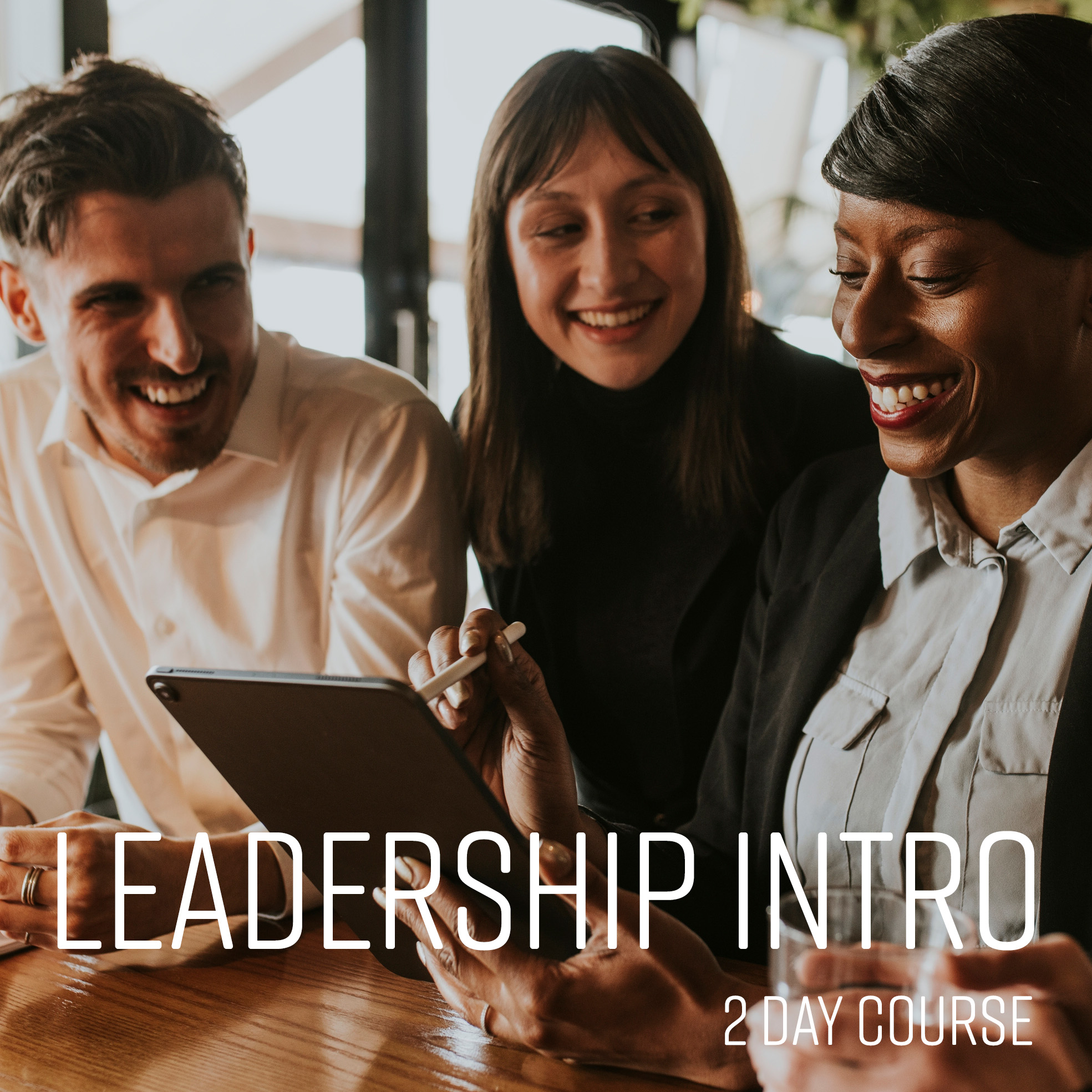
Leadership Intro
From £699 + VAT
Two day Live online Private options
Develop your leadership skills on this expert-led two-day introduction course.
Covering leadership versus management, different leadership styles, motivating and empowering individuals and teams, leading through change and uncertainty, building high-performing teams, coaching and developing the people around you and communicating with confidence and impact.
- Assess and develop your personal leadership style
- Motivate and empower individuals and teams
- Lead through change and uncertainty with clarity
- Build and manage high-performing teams
- Coach and develop the people around you
-
"A lot of valuable content and examples were shared during the call, which I found very helpful."
Norac Foods UK - 28 August 2025 - With Michael
-
"Michael was a joy, his enthusiasm and knowledge was brilliant! i loved every minute. It has really helped!"
Oliver - 21 November 2024 - With Michael
-
"Michael was great at communication, entertaining and conducted the perfect balance of humour. Michael also listened to questions and even workshopped scenarios that we have encountered in the past. I've done a few of these courses now and this is one of the best courses I've been involved in! Thank you! :D"
Oliver Agency - 21 November 2024 - With Michael
-
"Michael was so knowledgeable, patient and reactive to us and what we wanted to learn about. It felt like a bespoke course even though we knew it wasn't! I have learnt so much and thoroughly enjoyed the whole course. Thank you Michael!"
Oliver Agency - 21 November 2024 - With Michael
-
"Everything! Michael was very friendly, made me feel comfortable and helped me understand! I feel we are very much on the same wave-length and hope to learn from him again soon!"
OLIVER AGENCY - 26 September 2024 - With Michael
- More reviews

Management Intro
From £799 + VAT
Two day Live online Private options
Build your management skills on this expert-led two-day introduction course.
Covering management versus leadership, situational leadership, communicating and motivating your team, performance management, effective delegation, having difficult conversations, managing remotely and handling change — ideal for new and aspiring managers.
- Assess and develop your own management style
- Communicate clearly and motivate your team
- Set objectives and manage performance effectively
- Delegate tasks and have difficult conversations
- Handle change, discipline and grievance situations
-
"Very good advice and openness to questions"
Studio B Production Ltd - 2 September 2026 - With Michael
-
"Topics covered, examples, interaction with us, advice on real life scenarios, models and methods for various situations"
2 September 2026 - With Michael
-
"Trainer - Michael - was really engaging, very approachable and clearly very well prepared and knowledgeable"
2 September 2026 - With Michael
-
"Engaging, genuinely interested in the course and their job as a trainer/coach. Made time for our specific issues and examples."
Studio B - 2 September 2026 - With Michael
-
"Gave good examples , different learning styles Listen to everyone"
Complete Physio - 13 May 2026 - With Michael
- More reviews

Managing Projects Remotely
Private training: ask for a quote
Half day Live online Private options
The course equips you with the skills and strategies to effectively manage projects in a remote work environment.
Learn how to effectively communicate with remote team members and how to improve collaboration on a project when your team works in different locations.
- The benefits of working remotely
- Identifying tasks and control points
- Building a collaborative team
- Setting realistic goals and milestones
- Keeping your project on track
-
"Giving relatable examples, shows understanding on Mike’s behalf which helped us understand the day more"
Arrival - 9 September 2024 - With Michael
-
"Explaining concepts simply Good pace and clarity of communication Friendly and built good relationships early Responded well to questions and adjusted what he delivered accordingly this was great"
ARRIVAL - 9 September 2024 - With Michael
-
"Able to respond to questions/queries knowledgeable"
Arrival - 9 September 2024 - With Michael
-
"Going through the examples and clarifying any questions we had"
Arrival - 9 September 2024 - With Michael
-
"Informative, well structured, good analogies and examples"
Flutter - 31 January 2024 - With Michael
- More reviews

Managing Teams Remotely
Private training: ask for a quote
Half day Live online Private options
Remote work can pose challenges in communication and collaboration.
This course will give you the techniques and tools to foster effective communication, build trust, and improve teamwork in a remote-working environment.
Learn how to navigate the dynamics of remote team management and successfully
manage and motivate a team working in different locations.
- Adapt your leadership style for remote work
- Keep communication clear across a distributed team
- Build cohesion and culture without a shared office
- Create a practical remote management action plan
- Choose and use the right tools for your team
-
"Michael was excellent, knowledgeable and full of good examples. Incredibly helpful"
History Hit - 22 September 2023 - With Michael
-
"Interactive and enthusiastic trainer - thanks!"
Microbiology Society - 27 January 2021 - With Michael
-
"The trainer was excellent and approachable, which made the session educational but relaxed and engaging. And the course ran incredibly smoothly and the setup was easy, which took out any stress of getting started."
International Alert - 22 December 2020 - With Michael
-
"Very informative and great level of knowledge about the subject"
Scottish Government - 13 November 2020 - With Michael
-
"Very knowledgable and helpful trainer. Was willing to listen and advise on specific issues or challenges we face."
Logic Design - 7 October 2020 - With Michael
- More reviews
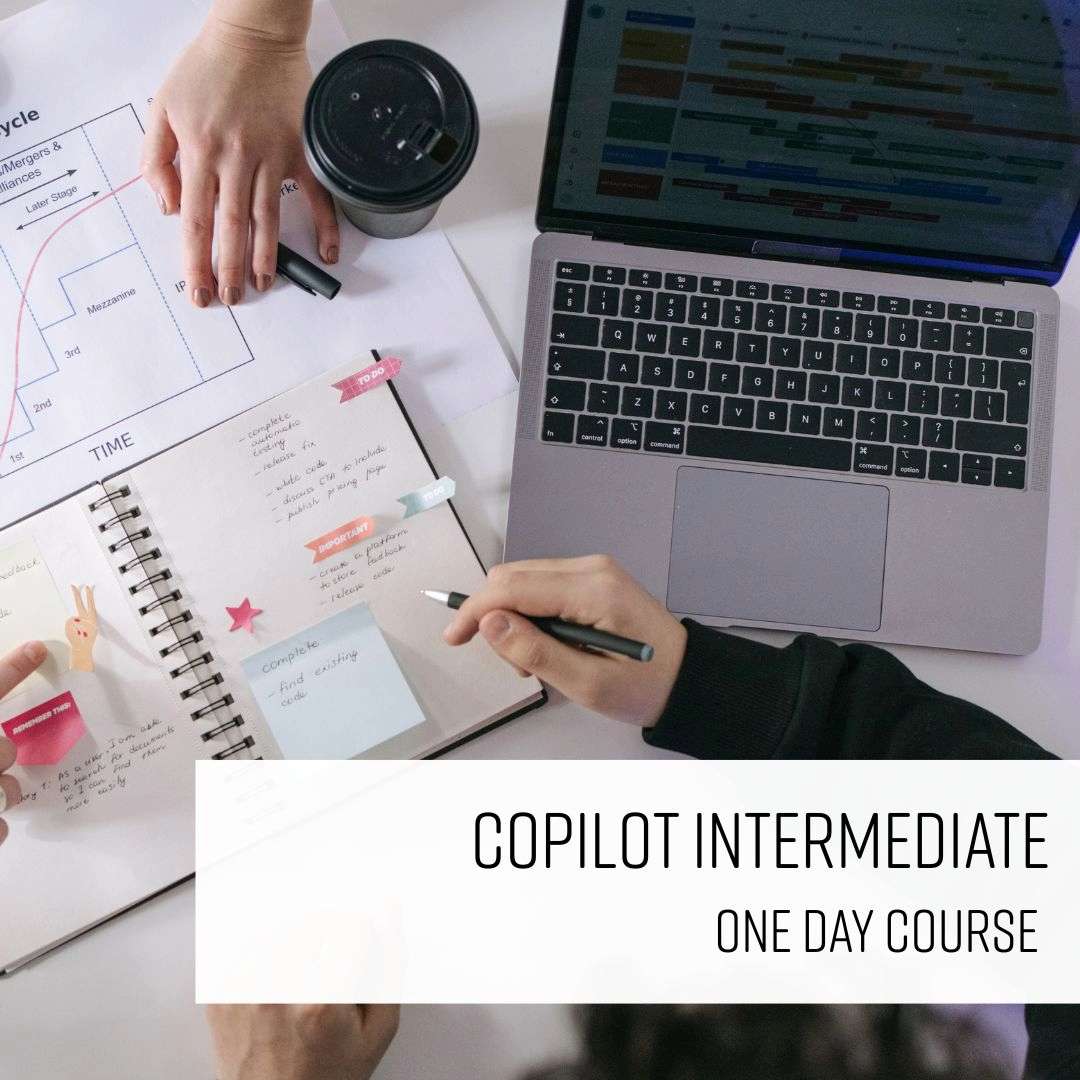
Microsoft Copilot Intermediate
From £329 + VAT
One day Live online Private options
Move beyond the basics with this practical one day Copilot course.
Learn advanced prompting techniques, how to design multi-purpose agents, and set up cross-app workflows.
Explore dashboard and data analysis in Excel, and how to automate communication in Teams and Outlook without losing accuracy or control.
- Write advanced prompts that get better results
- Build reliable, multi-purpose Copilot agents
- Analyse data and build dashboards with Copilot
- Generate polished PowerPoint decks with AI
- Automate tasks in Teams and Outlook
-
"Great working through the examples and answering the questions"
4 September 2026 - With Simon
-
"Good conversation around practical application in our own work settings"
4 September 2026 - With Simon
-
"Clear concise examples, was good to have the prompts ready to copy in to not spend time typing them out, sets a good example of what a good prompt does"
Campari Group - 4 September 2026 - With Simon
-
"Everything was laid out in a sensible format that allowed everyone to fully engage. The teacher had great knowledge of all aspects of copilot"
Borras - 4 September 2026 - With Simon
-
"Good trainer. kept it interesting and interactive"
3 June 2026 - With Simon
- More reviews

Microsoft Copilot Intro
From £329 + VAT
One day Live online Private options
Learn to use Microsoft Copilot across the full Microsoft 365 suite on this practical one-day course.
Covering Teams, Outlook, Word, Excel and PowerPoint — with hands-on prompt writing, data analysis, automation and collaboration exercises throughout.
Ideal for professionals new to Copilot.
- Understand Copilot's full range of uses
- Create and summarise emails using prompts
- Manage and understand data in Excel
- Create powerpoint slides in a few clicks
- Use AI to draft and amend documents
-
"The tutor was very engaging and having the 'try it yourself' sessions was a great help along with the exercises in the workbook"
Mercer Building Solutions Ltd - 15 October 2026 - With Mark
-
"Providing a thorough understanding of the technology and across multiple platforms"
Mercer Building Solutions - 2 October 2026 - With Mark
-
"A very precise way of describing the whole process in language easy to understand with no prior usage or knowledge"
Mercer Building - 2 October 2026 - With Mark
-
"Pace of the presentation and knowledge helped me learn this quite quick"
Mercer Building Solutions Ltd - 1 October 2026 - With Mark
-
"It was all very relevant to our business use with real examples of how we can use copilot to improve efficiency."
Mercer Building Solutions Ltd - 1 October 2026 - With Mark
- More reviews

Microsoft PowerPoint Advanced
From £249 + VAT
One day Live online Private options
Master advanced PowerPoint on this expert-led one-day course for experienced users.
Covering Office integration, dynamic content linking, advanced animation and custom motion paths, audio and video, professional graphics, shapes and Slide Master design — for those creating polished and complex presentations.
- Import data and slides from Word and Excel
- Link and update content from other Office apps
- Apply advanced animation and custom motion paths
- Work professionally with audio and video
- Use Slide Master for consistent on-brand design
-
"A good mix of learning and applying. Very engaging"
Met Police - 3 September 2026 - With Lisa
-
"Kevin was a great teacher asked what was important to us and what we felt was necessary to concentrate on. Further, to this Kevin was great at making your questions welcome and making you feel comfortable throughout the day."
4 August 2026 - With Kevin
-
"Explanation and teaching of the course was good"
4 August 2026 - With Kevin
-
"Presenting and explaining the training learning points"
Dragados - 4 August 2026 - With Kevin
-
"Lynne was extremely knowledgeable and delivered the training in a very engaging way, her knowledge of other apps that I also use helped me understand how some things cross over, very impressive."
15 July 2026 - With Lynne
- More reviews

Microsoft PowerPoint Intro
From £249 + VAT
One day Live online Private options
Learn to create professional presentations in Microsoft PowerPoint on this practical one-day introduction course.
Covering the interface, slide layouts and themes, Slide Master, adding and formatting text, images, SmartArt and charts, animations, transitions, presenter view and speaker notes — suitable for beginners.
- Navigate the PowerPoint interface confidently
- Design slides using layouts, themes and Slide Master
- Add and format text, images, SmartArt and charts
- Apply animations and slide transitions
- Deliver presentations using presenter view
-
"Great at keeping me engaged and making it enjoyable and fun - providing great tips and helping build great skills! :)"
Landmark Chambers - 28 August 2026 - With Kevin
-
"Cover a lot but was still very details which was good. Nice clear instructions and a lot of space to ask questions. Not rushes"
HTS - 16 July 2026 - With Monica
-
"Great course and great teacher - learnt so much ! :)"
16 July 2026 - With Monica
-
"Monica was great. Very clear instructions and very friendly"
Heyne Tillett Steel - 16 July 2026 - With Monica
-
"Excellent - comprehensive course. Lots of time for questions."
Heyne Tillett Steel - 16 July 2026 - With Monica
- More reviews

Photoshop Advanced
From £349 + VAT
One day Live online Private options
Push Photoshop to its limits on this advanced one-day expert-led course.
Covering Lab mode colour correction, alpha channels, Smart Objects, advanced blending, Camera Raw, creative filter effects, compositing and automation with scripts — for experienced users aiming to work at expert level.
- Automate tasks with scripts and power-user shortcuts
- Apply advanced colour correction and Lab mode
- Use Smart Objects and advanced blending techniques
- Process images with Camera Raw for optimal results
- Create complex effects with filters and compositing
-
"Simo was fantastic, super helpful, patient, understanding, knowledgable and made me feel really comfortable"
10 September 2026 - With Simo
-
"Tutor highly knowledgeable of subject matter."
3 July 2026 - With Simo
-
"Delivering the content, answering questions, helping when needed, taking breaks, screensharing etc. It was good to edit alongside Simo and share results, and learn real techniques."
National Portrait Gallery - 26 May 2026 - With Simo
-
"The Trainer had loads of knowledge asked us lots of questions to customise our lesson as best he could to our needs. He was super prepared."
26 May 2026 - With Simo
-
"Pausing to check if everyone is following the exercises very naturally and adjusting the training to our needs and expectations"
National Portrait Gallery - 26 May 2026 - With Simo
- More reviews

Photoshop Intermediate
From £429 + VAT
Two day Live online Private options
Expand your Photoshop skills on this expert-led two-day intermediate course.
Covering colour correction and grading, complex masking, Smart Objects, advanced layer blending, custom brushes and workflow automation using actions — for existing users ready to produce more and work more efficiently.
- Make precise colour adjustments and corrections
- Master selections, masks and complex cutouts
- Use Smart Objects and advanced layer techniques
- Build and apply custom brushes and presets
- Automate tasks with actions and batch processing
-
"Everything - the standard of teaching was brilliant and I felt very looked after and welcomed by all of the staff."
MPL - 21 October 2026 - With Simo
-
"Very patient and Helpful. I learnt so much I didn't know and eager to practice at work and outside of work"
21 October 2026 - With Simo
-
"Everything! I am disappointed I have no further training booked."
19 October 2026 - With Simo
-
"Organisation of the course was great overall, really good couple of days"
Hearst Networks - 19 October 2026 - With Simo
-
"Organised, friendly, easy to follow and understand. Overall, a really positive experience."
BBC - 19 October 2026 - With Simo
- More reviews

Photoshop Intro
From £399 + VAT
Two day Live online Private options
Start your Photoshop journey on this expert-led two-day introduction course.
Covering workspace setup, selections, colour and tone adjustment, layers, content-aware tools, portrait retouching and generative AI — the ideal foundation for anyone new to image editing or digital photography.
- Set up and customise the Photoshop workspace
- Make accurate selections for precise edits
- Adjust tone and colour with professional techniques
- Transform images using generative AI tools
- Retouch and restore images to a professional standard
-
"Very good trainer, friendly, professional and full of knowlege. it worked well even though it is remote training."
23 September 2026 - With Simo
-
"Lots of resources that we could use after the course ended to practise and cement learning"
University College London - 23 September 2026 - With Simo
-
"Very organised modules, relevant insight shared and great explanations. Great collaboration and getting course participants sharing their work and involved."
BAFTA - 23 September 2026 - With Simo
-
"Patience! Really clear instructions, making sense of tools I have used millions of times before. Super"
18 August 2026 - With Simo
-
"Simon is a very good trainer; this was the 2nd time we have booked him. He is very knowledgeable and clear when teaching. He also adapts the content of the course to suit our needs."
ITV Studios - 5 August 2026 - With Simon
- More reviews

PowerPoint Presentation Design
From £349 + VAT
One day Live online Private options
If you are not a trained designer, this course will give you the design skills to create striking presentations that effectively convey your message.
Learn about colour theory, layout design, transitions, and animation effects to create visually impressive presentations.
- Apply core design principles to slides
- Plan presentations that hold an audience
- Use colour theory to create visual impact
- Choose and pair typefaces that communicate well
- Build beautiful, effective slide layouts
-
"Really good content. Nice level of learning as in not too basic but not to advanced. I learnt a lot of tips that I didn't know. Very enjoyable"
11 September 2026 - With Ian
-
"Simon was very thorough in explaining things and also very patient if I got lost in working out how to do something. He also didn't rush through the training and was very easy to get along with too! A great session overall, thank you Simon!"
Herrco Cosmetics Ltd - 12 August 2026 - With Simon
-
"Simon was very well prepared with relevant examples and exercises taken from one of our existing presentations. He was personable and explained things very clearly/"
Herrco Cosmetics - 12 August 2026 - With Simon
-
"I enjoyed learning about the basic PowerPoint tools and how to use them to create effective and visually appealing presentations. I also enjoyed how clearly and logically the information was delivered, and the use of lots of real-life examples made the course more engaging, relatable and easy to apply in practice."
Herrco Cosmetics - 12 August 2026 - With Simon
-
"Great engagement, good number of exercises to fully demonstrate how to do things, plenty of chance for asking questions"
Herrco Cosmetics - 12 August 2026 - With Simon
- More reviews

Proofreading Intro
From £349 + VAT
One day Live online Private options
Learn the skills to spot errors and inconsistencies in your writing, ensuring a high level of
accuracy and professionalism in your work.
This course will give you an excellent eye for grammar, punctuation, spelling, and sentence
structure, so that you write confidently and without mistakes.
- Understand the role and responsibilities of a proofreader
- Use and interpret standard proofreading marks
- Spot and correct common grammar and spelling errors
- Apply punctuation rules accurately and consistently
- Build and use a reliable proofreading checklist
-
"Piers was excellent. Very interesting and kind"
National Education Union - 14 October 2026 - With Piers
-
"Good mix of information and exercises so I felt engaged throughout"
14 October 2026 - With Piers
-
"I found the whole session informative and easy to follow, it highlighted all the aspects of grammar and punctuation I need to brush up on!"
NEU - 14 October 2026 - With Piers
-
"The course was just me and another attendee, but Piers made the course interesting and fun. The resources and slide deck were really informative and easy to follow. He answered all our questions and provided really helpful feedback. Would highly recommend this course for anyone that works with copy or is interested in learning more about grammar and spotting mistakes."
BearingNet - 8 June 2026 - With Piers
-
"The venue was central and easy to get to. The lunch was just perfect. The structure of the course content was excellent, the pace was just right. The exercises were very useful. Rosie's knowledge was excellent."
24 November 2025 - With Rosie
- More reviews

Report Writing
From £349 + VAT
One day Live online Private options
Learn to write clear, well-structured reports on this practical one-day course.
Covering planning and audience analysis, report structures, writing concisely, plain English techniques, creating clear messages and professional proofreading — suitable for anyone who writes reports or briefing documents at work.
- Plan content to suit your audience and purpose
- Structure reports for maximum clarity and impact
- Write concisely using plain English techniques
- Create clear messages that drive the right action
- Proofread and edit to a professional standard
-
"Rosie is a very good instructor. Learnt a lot from this course and will definately apply in the workplace."
Ark Syndicate - 21 October 2026 - With Rosie
-
"Everything was really great from the instructor to the ambience."
14 October 2026 - With Patsy
-
"Patsy was incredibly informative, approachable and engaging! She shared her knowledge with us and was open to our points of view."
14 October 2026 - With Patsy
-
"A great course - the trainer was easy to listen to, very knowledgeable, and clearly passionate about what she was teaching"
14 October 2026 - With Patsy
-
"Well structured course, lots of clear information, information broken down into digestible chunks, very engaging tutor and session."
PwC - 14 October 2026 - With Patsy
- More reviews

Stress Management
Private training: ask for a quote
One day Live online Private options
Learn how to equip yourself with valuable skills to navigate life's challenges with resilience
and maintain a healthier, more stress-free lifestyle.
Discover how to develop effective coping strategies and relaxation techniques to manage
stress when it arises.
- Understanding stress and its effects
- Identifying personal stress factors
- Coping strategies for work and home
- Managing stress levels
- Creating a personalised stress action plan
-
"1:1 Learning - great environment. Very effective and beneficial."
WORLD NUCLEAR TRANSPORT INSTITUTE - 30 September 2019 - With Tina
- More reviews

Structuring Your Remote Working Day
Private training: ask for a quote
Half day Live online Private options
Learn to structure your remote working day more effectively on this practical half-day course.
Covering home workspace setup, day planning and time management techniques, pacing your work and taking breaks, managing motivation and the wellbeing challenges of working remotely or from home.
- Arrange your home workspace for maximum focus
- Structure and plan your working day effectively
- Use time management techniques to stay on task
- Pace your work and take effective breaks
- Manage the wellbeing challenges of remote working
-
"Michael was absolutely fantastic- really personalised course and so helpful. Thank you!"
UK Parliament - 19 April 2021 - With Michael
-
"Lots of practical skills and examples used that can be taken and put straight into practice. Made very relevant and tailored to individuals. Overall very helpful. :)"
Ongo - 22 January 2021 - With Michael
-
"Same feedback as yesterday from me! Great trainer who interacts well with the participants, answers questions and is overall helpful and friendly."
Logic Design - 8 October 2020 - With Michael
-
"The trainer was really friendly and the course was enjoyable."
Logic Design & Consultancy Ltd. - 8 October 2020 - With Michael
-
"Keeping everyone engaged and feeling involved"
Logic Design - 8 October 2020 - With Michael
- More reviews

Team Working
From £449 + VAT
One day Live online Private options
Develop your team working skills on this practical one-day course.
Covering what makes teams effective, personality types and team roles, using individual strengths collectively, developing effective team communication, managing team dynamics constructively, building trust and accountability and supporting people through change.
- Understand what makes teams effective and productive
- Identify personality types and team roles
- Use individual strengths to improve collective output
- Manage team dynamics and disagreements constructively
- Build trust, accountability and shared values
-
"This was the first time I've ended up doing a one-to-one course and I actually really enjoyed it as a format"
Rail Delivery Group - 19 September 2024 - With Michael
-
"Michael was absolutely brilliant, I would highly recommend him to the rest of my team."
Lloyds Banking Group - 24 May 2024 - With Michael
-
"The training and location were exceptional."
Houlihan Lokey - 24 May 2024 - With Michael
-
"Very interactive course. Michael kept the course interesting and engaging throughout."
Dragados - 12 October 2023 - With Michael
-
"Michael was very engaging, funny and friendly. He made the subject extremely interesting, with his funny stories etc. It will make it easier to remember and recall when needed in the future. Ah the story about fish and yogurt! Thank you for an extremely informative interesting and very entertaining course. The premises are gorgeous. Impressed that the loos were spotless and the food was delicious. Thank you."
Russell Publishing Limited - 3 May 2023 - With Michael
- More reviews

Time Management
From £449 + VAT
One day Live online Private options
Learn to prioritise tasks, set goals, and manage your time efficiently.
Discover time management techniques that help reduce stress by ensuring you have control
over your tasks and deadlines.
Discover strategies that make you more productive and give you
a better work-life balance.
- Understanding how you work
- Setting personal and business goals
- Planning, delegation and prioritisation
- Managing procrastination
- Controlling common causes of time wasting
-
"Pacing was good; covered a lot but Michael kept things moving. Breaks were well timed. Small group size was great for tailored approach"
HL - 14 July 2026 - With Michael
-
"Good catering. Good workspace - quiet and intimate but not crowded. Teacher was very engaging and provided helpful advice. Good breaks."
House Of Commons - 29 January 2026 - With Michael
-
"Interactive session, enjoyed small group session which enabled it to be tailored to our needs and discuss relevant specific examples. Well structured. Great venue."
Impetus - 29 January 2026 - With Michael
-
"Great training, very appropriate for my position + changed due to my expertise."
The Folio Society - 7 November 2025 - With Michael
-
"Providing examples and lots of scenarios"
IOPC Funds 1992 - 7 November 2025 - With Michael
- More reviews
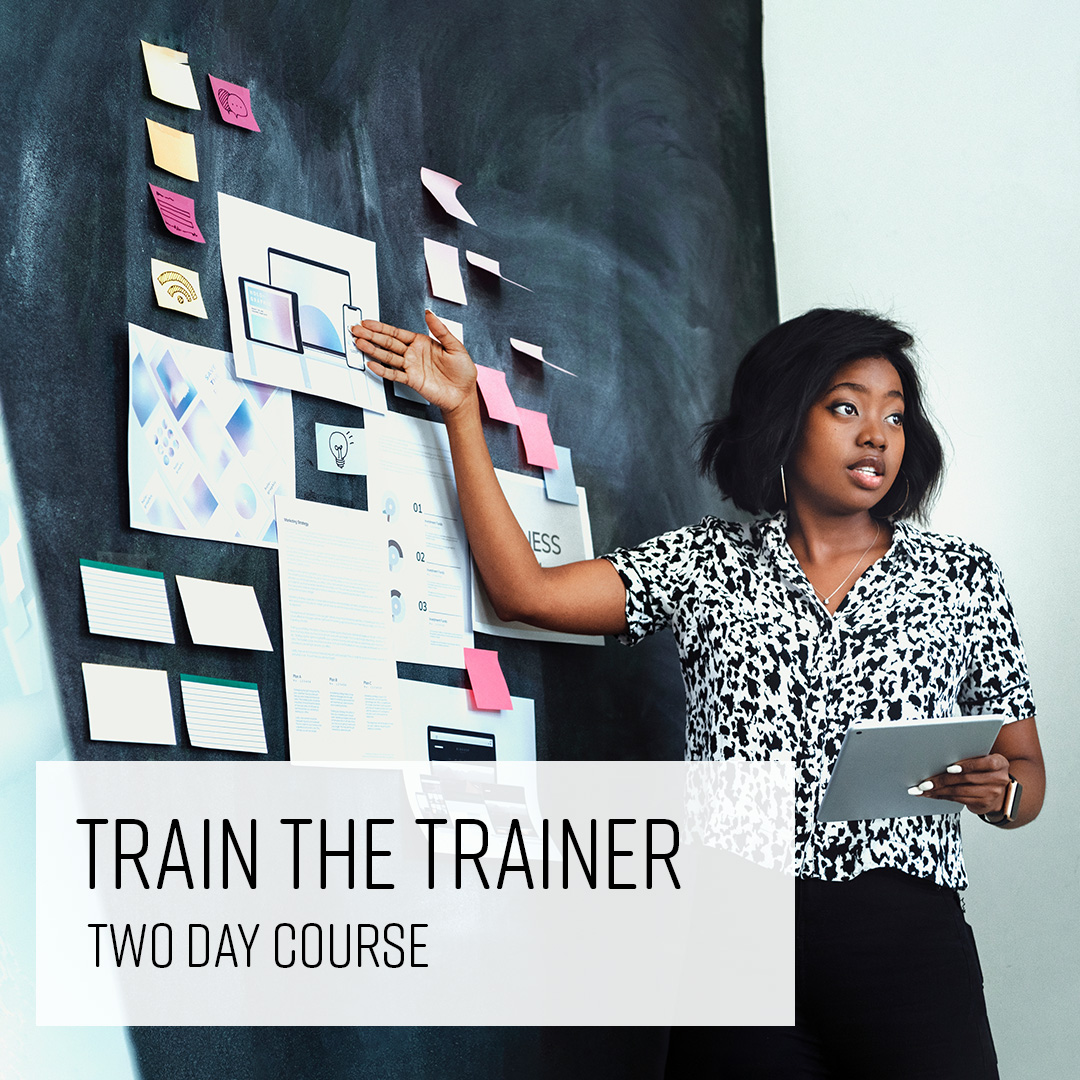
Train the Trainer
Private training: ask for a quote
Two day Live online Private options
Learn the skills of effective training delivery on this expert-led two-day Train the Trainer course.
Covering adult learning principles, setting training objectives, session planning and design, confident delivery, voice and body language, facilitating groups, handling questions and giving and receiving feedback.
- Plan training sessions around clear learning objectives
- Design content that meets the needs of adult learners
- Deliver training confidently using voice and body language
- Facilitate groups and manage different learner types
- Give and receive feedback to improve your delivery
-
"Given real example and scenarios to situations. Communicating in a variety of different ways which helped with being neurodivergent. Michael was very relaxed and worked at a pace that felt comfortable for me."
Peabody - 6 August 2026 - With Michael
-
"Extremely knowledgeable, had more than enough tips on presenting. Incorporated humour and stories well to break up the wordy bits of learning."
Metropolitan Gaming - 1 December 2025 - With Michael
-
"Explaining everything in great detail and understanding"
10 July 2025 - With Monica
-
"The content was great, I learnt loads of new things and have been provided with loads of material to read in my own time to continue to learn."
Intellectual Property Office - 1 April 2025 - With Monica
-
"Course was fun interactive and really relevant to my role, I will take lots away that will improve me for the future."
IPO - 1 April 2025 - With Monica
- More reviews

Word Advanced
Private training: ask for a quote
One day Live online Private options
Master advanced Microsoft Word on this expert-led one-day course for experienced users.
Covering mail merge, inserting Excel data and graphs, advanced and custom styles, form fields and templates, automatic tables of contents and using Word's collaboration and document review tools.
- Create mail merges for letters, labels and catalogues
- Insert and format Excel spreadsheets and graphs
- Build and apply advanced paragraph and character styles
- Create protected forms with form fields and templates
- Generate tables of contents automatically
-
"Fantastic, knowledgeable trainer, Lisa was really relatable, understood my needs. Went over and above to ensure I received everything I needed from my training."
London Ambulance Service - 4 February 2026 - With Lisa
-
"Absolutely lovely trainer and very comfortable training centre."
PRH - 20 January 2026 - With Monica
-
"Monica was a friendly and engaging trainer whose material was really tailored to our needs"
PRHC - 20 January 2026 - With Monica
-
"The instructor, Monica, was very thorough and always made sure I had understood each point, which I appreciated. She was always great at welcoming feedback."
PRH - 20 January 2026 - With Monica
-
"Knowledgeable and friendly trainer, very organised and open to feedback."
Penguin Random House - 6 November 2025 - With Kevin
- More reviews