Everything was great! Ian is a great teacher, he was very thorough and helped us with every kind of silly question, i would recommend him to anyone. Thanks Ian!
SK islington council
Learn Adobe InDesign in London or live online. Create beautiful layouts and print-ready documents with practical, expert-led training.






From £399 + VAT
Two day Live online Private options
Learn to create professional print and digital layouts on this expert-led two-day InDesign course.
Covering the interface, typography styles, image placement, page layout and high-quality PDF export — the ideal practical foundation for anyone designing documents and publications professionally.
"Everything was great! Ian is a great teacher, he was very thorough and helped us with every kind of silly question, i would recommend him to anyone. Thanks Ian!"
Islington Council - 15 October 2026 - With Ian
"The trainer was really patient and supportive. It was really interactive and engaging. The team was also very warm and welcoming."
LSE - 12 October 2026 - With Ian
"Trainer was really well knowledged and explained how to use the processes and tools in a really accessible way. I liked how we got to have a go at creating our own project, and put what we've been taught into practice. All the staff were so lovely and friendly!!"
ETC Comms - 12 October 2026 - With Ian
"Really good pace and clear instructions. Good level of breaks. Engaging content. Great tips and tricks and short cuts. Ian was a fantastic trainer!"
London School Of Hygiene & Medicine - 12 October 2026 - With Ian
"I’ve gathered the team’s feedback and we all wanted to say how valuable we found the two-day InDesign course. It gave us a clear understanding of everything from setting up documents and working with text, images and layouts to using colour, shared libraries and export options. Seeing how we can apply these skills to the materials we create as a team was especially useful. Matt was brilliant and is a real asset to your team. He explained each step clearly, made a lot of information feel approachable and gave us the confidence to ask questions and practise as we went. We’ve come away feeling much more confident about using InDesign in our day-to-day work."
SS - 28 September 2026 - With Matt

From £429 + VAT
Two day Live online Private options
Build on your InDesign skills with advanced typography, tables, styles and workflow tools on this expert-led two-day intermediate course.
Covering nested styles, asset management, AI-assisted workflows, and high-quality print and digital PDF output — for users tackling more demanding documents.
"Ian was great and really helpful. It was good to go through examples of the work that we do and cleaning that up."
Caterlink - 28 September 2026 - With Ian
"Explaining all the stuff i wasn't sure about. Showing me visually how to do something. All the staff were very friendly and welcoming."
21 September 2026 - With Ian
"Learnt alot on the course today which will help us to be more productive and same time in setting up documents. The main aim was to enable us to create more efficient templates to share with other designers and keep our documents consistent and we definitely achieved this. Matt showed us some other little ad-hoc bits along the way too to help us not do things manually that take longer - thank you"
3 September 2026 - With Matt
"Explaining how individual tools work, various shortcuts and tips."
3 September 2026 - With Matt
"Extremely patient and very knowledgeable"
3 September 2026 - With Matt

From £449 + VAT
Two day Live online Private options
Take InDesign to expert level on this expert-led two-day advanced course.
Covering design grids, nested and sequential styles, tables of contents, GREP, anchored objects and production automation using scripts — for experienced designers working on complex, long-form documents and publications.
"The course helped me a lot. Definetly goin to use all the techniques."
7 September 2026 - With Matt
"Good at covering everything in the course plan, but also open to questions and off-topic queries and questions. Easy to follow and and clear demonstrations."
7 September 2026 - With Matt
"The course was really useful; Matt tailored it to what was useful for us."
7 September 2026 - With Matt
"The trainer was able demonstrate their knowledge about the course by accomodating varying levels of understanding as well as facilitating specific conversations about different applications of the software and its techniques."
7 September 2026 - With Matt
"I enjoyed the interactive course and I really learnt a lot. Matt was great. Thank you"
7 September 2026 - With Matt

From £449 + VAT
Two day Live online Private options
Design and publish interactive digital content on this expert-led two-day InDesign course.
Covering navigation buttons, interactive forms, animations, video, audio and multimedia, and publishing online via Publish Online — ideal for print designers and layout professionals moving into interactive media.
"Vicki is amazing, her training is really thorough and she has the patience of a saint."
Landmarc - 14 September 2026 - With Vicki
"Vicki was extremely patient and helpful throughout the two day training. She provided lots of useful tips, practical tools and clear guidance, which made the sessions engaging and easy to understand. I really appreciated the time taken to explain things and answer questions."
Landmarc - 14 September 2026 - With Vicki
"Vicki is an excellent trainer, very patient, knowledgeable and explains things well. I love all courses with Vicki!"
Landmarc Support Services - 14 September 2026 - With Vicki
"Vicki was very knowledgeable and explained everything clearly, making the content easy to understand and digest. We covered a wide range of topics, all delivered in an engaging and structured way. Thank you for a great session. The team helping me with course information and booking were very helpful with prompt responses and assistance."
VolkerWessels UK - 22 June 2026 - With Vicki
"So many tips that are going to be able to use for our Annual Report and also through our douments as a whole. Really appreciate the simplicity of talking through each step. Easy to follow."
9 February 2026 - With Ian

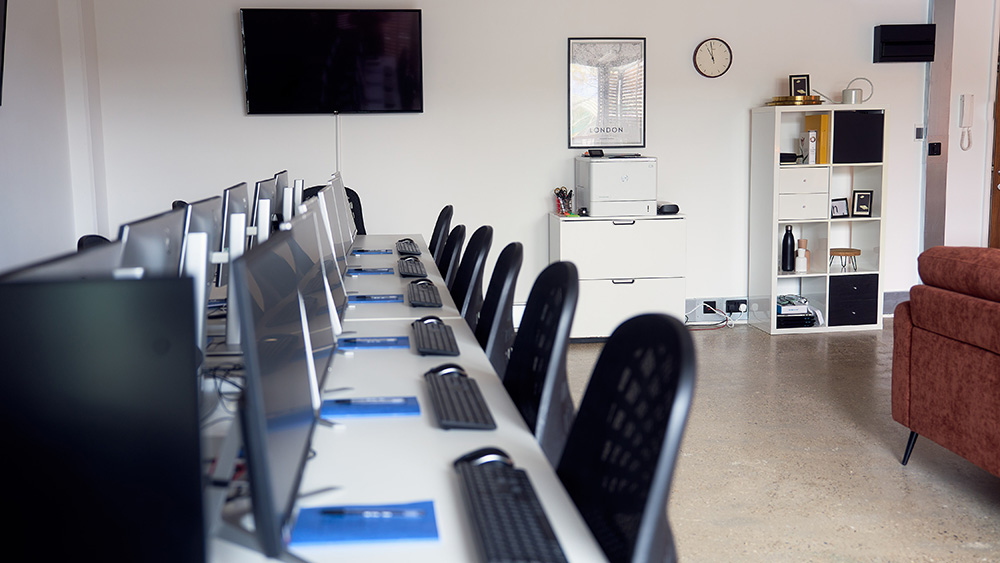
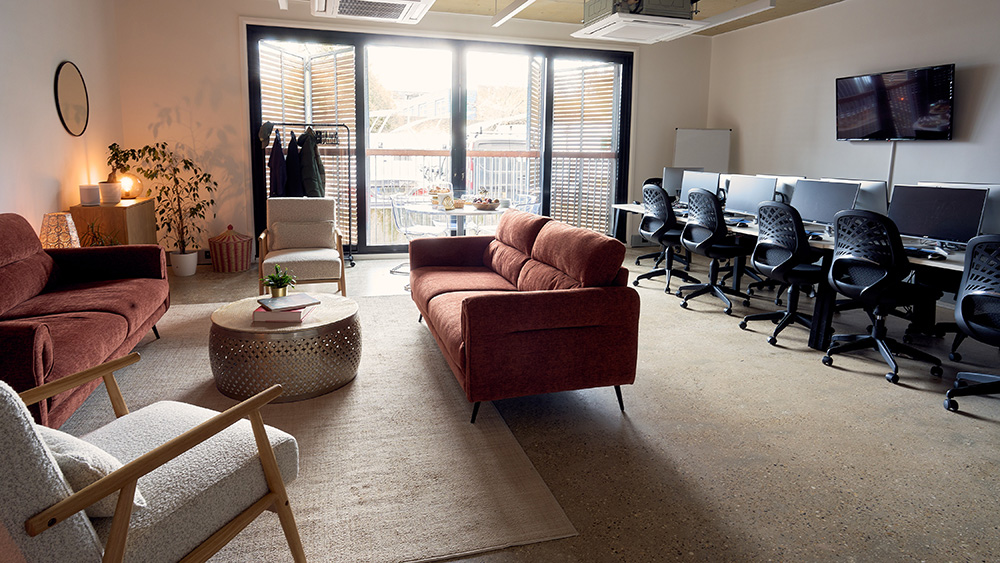
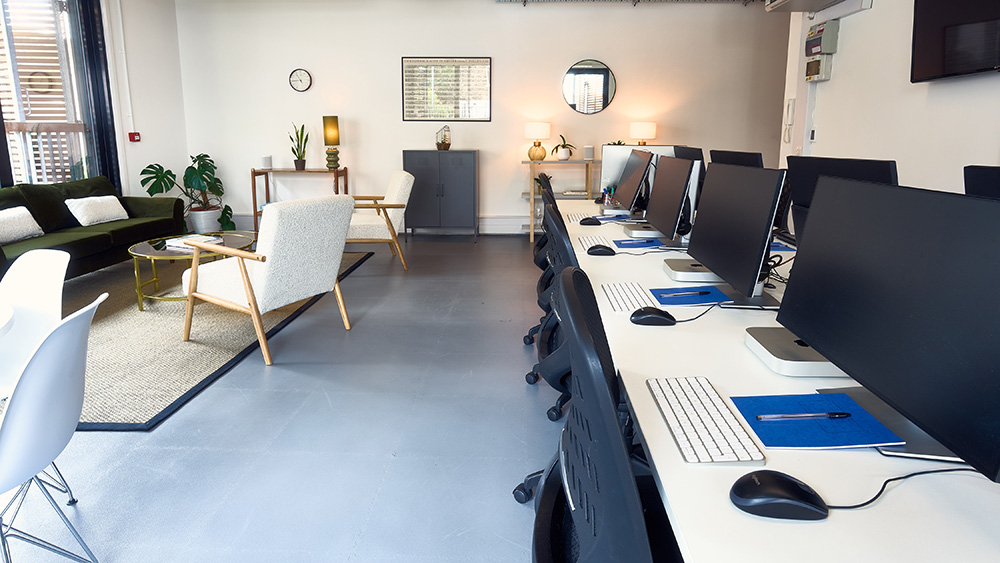
Train at our Islington centre in a class of up to eight. Ask the trainer anything, as often as you need.

The same course, taught live over Zoom in a class of up to six. You'll need your own computer and software.

Private courses for your team, at our centre, at your office or live online. We can build the day around your own files and brand.


You need a skill for the role you already have, or your employer is investing in the team.

You're moving into a new field and need the practical skills it asks for.

You know the theory. A practical course and a certificate of attendance show employers you can do the work.
Everything was great! Ian is a great teacher, he was very thorough and helped us with every kind of silly question, i would recommend him to anyone. Thanks Ian!
SK islington council
The trainer was really patient and supportive. It was really interactive and engaging. The team was also very warm and welcoming.
AK LSE
Trainer was really well knowledged and explained how to use the processes and tools in a really accessible way. I liked how we got to have a go at creating our own project, and put what we've been taught into practice. All the staff were so lovely and friendly!!
BL ETC Comms
Really good pace and clear instructions. Good level of breaks. Engaging content. Great tips and tricks and short cuts. Ian was a fantastic trainer!
EN London School of Hygiene & Medicine
I’ve gathered the team’s feedback and we all wanted to say how valuable we found the two-day InDesign course. It gave us a clear understanding of everything from setting up documents and working with text, images and layouts to using colour, shared libraries and export options. Seeing how we can apply these skills to the materials we create as a team was especially useful. Matt was brilliant and is a real asset to your team. He explained each step clearly, made a lot of information feel approachable and gave us the confidence to ask questions and practise as we went. We’ve come away feeling much more confident about using InDesign in our day-to-day work.
SO SS
Pace was great, class environment was supportive and Matt was wonderful!
SB
Explained everything in a manner that was easy to understand. Trainer made it really easy to understand by breaking down steps and actively engaging with us to track where we are
IB
Excellent overall Course instructor was very knowledgeable and included useful examples, helped with all sorts of queries and gave ample time to practice
MN
The course was an excellent introduction to software I was previously unfamilar with. The examples were engaging and provided use of a range of tools.
CB
The learning atmosphere, the instructor was brilliant.
AH Technical Training Solution
Really attentive to needs and explained everything in a really clear manner
AG
It was a really great overview of indesign- the ability to have actionable work help instill the work done in the sessions.
CT Harlow Playhouse
 How to choose a Photoshop course in LondonTo choose a good Photoshop course for you in London you need to find a course that does two things: 1. matches your level of experience of...Read the guide
  Photoshop, Illustrator or InDesign: which should you learn first?If you are new to all three, start with Photoshop Introduction.Read the guide
  Which InDesign course should I take?If you are new to Adobe InDesign, start with InDesign Introduction.Read the guide