Class was at a great pace and really comfortable atmosphere to learn in.
SB
Learn video editing with Adobe Premiere Pro, the industry standard software. Join our training courses in London or Live Online.









From £399 + VAT
Two day Live online Private options
Master the essentials of Adobe Premiere on this expert-led two-day course.
You'll cover the complete editing workflow — importing and organising footage, cutting sequences, mixing audio, adding titles and effects, colour correcting and exporting finished video.
Ideal for beginners and career changers looking to edit professionally.
"Class was at a great pace and really comfortable atmosphere to learn in."
15 October 2026 - With Vince
"Manageable chunks of work at each stage but also not too slow."
Milwaukee - 15 October 2026 - With Vince
"All information provided before the training. Friendly and approachable staff. Clear instructions"
Cripps Llp - 15 October 2026 - With Vince
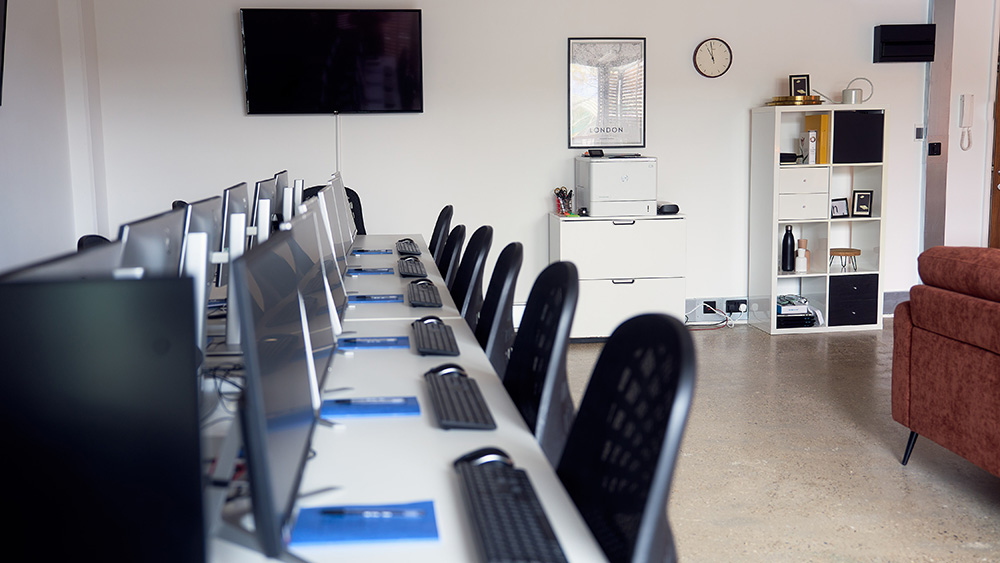
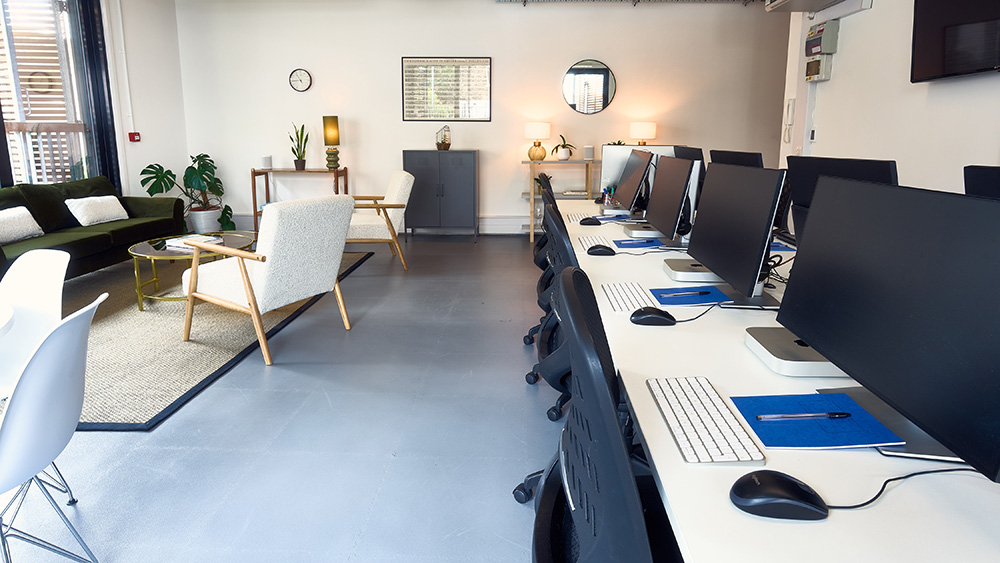
"Nice interiors, made me feel at home which was nice Loved the different tips and tricks and advice that was given by our trainer Great things to takeaway and learnings to bring back to my workplace"
15 October 2026 - With Vince
"Really clear instructions, useful tips and a great teacher"
30 September 2026 - With Matt

From £429 + VAT
Two day Live online Private options
Build on your Premiere Pro skills on this two-day intermediate course.
It covers proxy workflows, multicam editing and audio sync, broadcast audio mastering, keyframe animation, motion graphics using the Essential Graphics panel, and colour correction and grading.
It is for editors ready to take on complex, professional projects.
"Great, focused training - very in-depth and helpful"
Times - 7 October 2026 - With Tom
"The classroom set up is excellent and the intermediate prem pro editing is quite a jump in skill but Tom is very knowledgeable"
7 October 2026 - With Tom
"Tailoring content to what we needed. The course moved at a speed that was really good and was easy to follow. Alex was incredible! It was nice to have the spaced breaks."
24 September 2026 - With Alexandra
"Really well structured course. Lots of useful tips and tricks delivered in an accessible manner. Learnt a lot"
MOD - 24 September 2026 - With Alexandra
"Really detailed and comprehensive guide - felt very supported and never like any question was a hinderance."
Usborne - 23 September 2026 - With James

From £349 + VAT
One day Live online Private options
Push your Premiere Pro skills to a broadcast standard on this advanced expert-led one-day course.
Covering multicam editing, advanced audio, time remapping, LOG footage colour grading and After Effects integration — ideal for experienced editors ready to reach the next level professionally.
"Adapting to what trainees wanted to learn. Explaining clearly step by step, so it was easy to follow. Free drink was great too."
Ministry Of Sound - 9 October 2026 - With Tom
"Excellent teacher worked really well with a mixed level class"
Fresh Air - 9 October 2026 - With Tom
"Working examples of colour correction and sound editing."
19 August 2026 - With James
"This is was brilliant, and really helpful answering questions"
Penguin Random House - 19 June 2026 - With Tom
"I ended up having a one on one session with the trainer who was really knowledgable and able to tailor the class to my needs which was great! The centre staff were all friendly and helpful."
Historic Royal Palaces - 13 February 2026 - With Tom

From £349 + VAT
One day Live online Private options
Learn professional colour grading in Adobe Premiere on this expert-led one-day specialist course.
Covering colour theory, scopes, primary and secondary correction, qualifiers, masks, grading for mood and atmosphere, and Lumetri Looks — for editors aiming for a polished, cinematic finish.
"Tom was really knowledgeable, his teaching style was engaging and as a group we definitely learned a lot. Thank you"
14 October 2026 - With Tom
"Very clear explanation's and good examples"
10 July 2026 - With Tom
"Being patient and answering questions. Covering a lot but being really knowledgeable"
10 July 2026 - With Tom
"Great explanations, even for the basics - never assumed knowledge. Answered questions well and covered everything I expected"
Dementia UK - 10 July 2026 - With Tom
"Very welcoming atmosphere, as well as knowledgeable, informative and thorough. Overall great teaching plan."
Audere Ltd - 17 March 2026 - With Tom

Train at our Islington centre in a class of up to eight. Ask the trainer anything, as often as you need.

The same course, taught live over Zoom in a class of up to six. You'll need your own computer and software.

Private courses for your team, at our centre, at your office or live online. We can build the day around your own files and brand.


You need a skill for the role you already have, or your employer is investing in the team.

You're moving into a new field and need the practical skills it asks for.

You know the theory. A practical course and a certificate of attendance show employers you can do the work.
Class was at a great pace and really comfortable atmosphere to learn in.
SB
Manageable chunks of work at each stage but also not too slow.
EC Milwaukee
All information provided before the training. Friendly and approachable staff. Clear instructions
RC Cripps llp
Nice interiors, made me feel at home which was nice Loved the different tips and tricks and advice that was given by our trainer Great things to takeaway and learnings to bring back to my workplace
GE
Tom was really knowledgeable, his teaching style was engaging and as a group we definitely learned a lot. Thank you
MS
Adapting to what trainees wanted to learn. Explaining clearly step by step, so it was easy to follow. Free drink was great too.
CM Ministry of Sound
Excellent teacher worked really well with a mixed level class
FM Fresh Air
Great, focused training - very in-depth and helpful
MH Times
The classroom set up is excellent and the intermediate prem pro editing is quite a jump in skill but Tom is very knowledgeable
SS
Really clear instructions, useful tips and a great teacher
CC
Clear explanations with a great pace. Great at making sense of why things need to be done in a particular order or method
JF
Level of detail was amazing. As was Matt's patience and teaching style. Every question was answered. Thank you!
VB Financial Times