13 November 2026
Fri
Create scroll-stopping short-form video content for social media using CapCut.
A practical one-day course covering editing, storytelling, animation and platform export.
Create scroll-stopping short-form video content for social media using CapCut. A practical one-day course covering editing, storytelling, animation and platform export.

All Social Media Marketing courses
Create scroll-stopping short-form video content for social media using CapCut on this practical one-day course.
You'll learn the essentials of video editing, how to import and organise video, audio and images, how to build a compelling narrative with your footage, how to add animations, transitions and titles, how to work with colours and effects, and how to resize and export video for any social platform.
Hands-on throughout and suitable for complete beginners, the course is ideal for content creators, social media managers and marketers.
| Course dates | Days | Location | Places | RRP | Discount | You pay | |
|---|---|---|---|---|---|---|---|
| 13 November 2026 | Fri | London Islington | Available | £399 | £70 | £329 + VAT | |
| 4 January 2027 | Mon | Online | Available | £399 | £50 | £349 + VAT | |
| 4 February 2027 | Thu | London Islington | Available | £399 | £20 | £379 + VAT | |
| 1 March 2027 | Mon | Online | Available | £399 | £399 + VAT | ||
| 5 April 2027 | Mon | London Islington | Available | £399 | £399 + VAT | ||
| 4 May 2027 | Tue | Online | Available | £399 | £399 + VAT | ||
| 7 June 2027 | Mon | London Islington | Available | £399 | £399 + VAT | ||
| 1 July 2027 | Thu | Online | Available | £399 | £399 + VAT | ||
| 28 July 2027 | Wed | London Islington | Available | £399 | £399 + VAT | ||
| 24 August 2027 | Tue | Online | Available | £399 | £399 + VAT | ||
| 24 September 2027 | Fri | London Islington | Available | £399 | £399 + VAT | ||
| 22 October 2027 | Fri | Online | Available | £399 | £399 + VAT |
| Course dates | Days | Location | Places | RRP | Discount | You pay | |
|---|---|---|---|---|---|---|---|
| 13 November 2026 | Fri | London Islington | Available | £399 | £70 | £329 + VAT | |
| 4 February 2027 | Thu | London Islington | Available | £399 | £20 | £379 + VAT | |
| 5 April 2027 | Mon | London Islington | Available | £399 | £399 + VAT | ||
| 7 June 2027 | Mon | London Islington | Available | £399 | £399 + VAT | ||
| 28 July 2027 | Wed | London Islington | Available | £399 | £399 + VAT | ||
| 24 September 2027 | Fri | London Islington | Available | £399 | £399 + VAT |
| Course dates | Days | Location | Places | RRP | Discount | You pay | |
|---|---|---|---|---|---|---|---|
| 4 January 2027 | Mon | Online | Available | £399 | £50 | £349 + VAT | |
| 1 March 2027 | Mon | Online | Available | £399 | £399 + VAT | ||
| 4 May 2027 | Tue | Online | Available | £399 | £399 + VAT | ||
| 1 July 2027 | Thu | Online | Available | £399 | £399 + VAT | ||
| 24 August 2027 | Tue | Online | Available | £399 | £399 + VAT | ||
| 22 October 2027 | Fri | Online | Available | £399 | £399 + VAT |
Private & team training
Available as private, bespoke or team training at our centre, live online, or at your venue. Customise the outline, train as a group, or book a one-to-one with an expert.
Swipe for more dates
Fri
Mon
Thu
Mon
Mon
Tue
Mon
Thu
Wed
Tue
Fri
Fri
Private & team training
Available as private, bespoke or team training at our centre, live online, or at your venue. Customise the outline, train as a group, or book a one-to-one with an expert.
Understanding video editing essentials
Understanding file formats and settings
Different social video styles and editing techniques
Importing video, sound, images and timelapse footage
How to organise your work
Simple drag and drop edits
Useful editing shortcuts
How to create a narrative
Working with the visual, narrative and emotional streams
Mixing music and voice
Understanding that your video needs to work without sound
Finding great free music and effect resources
Using transitions to create simple animations
Different types of transitions and when to use them
Colouring your video - the technical and creative options
Resizing video and images
Using the resize tools to animate movement
Creating effects using animation
Adding text and shapes
Using templates
Export settings for different social media platforms
Easy ways to make looping videos with GIF and HTML5 (no coding required)
This course is also available as a private course. This would allow you to choose any dates for your training. And, if you wish, we can tailor the content for you or your team. Please contact us for more details.
Ideal for social media managers, content creators and marketers who need to produce short-form video for social platforms. No prior video editing experience required.
Everything explained clearly and simply, happy to answer questions, very interactive
I liked the structure of the class, really easy to understand.
Great to go through everything slowly to ensure we understand every aspect of the process and the rationale behind it.
Course was brilliant, fast pace but with opportunities to pause and check things. Felt very tailored to each of us too, random tips thrown…
Having the right equipment for my needs, providing shortcuts where needed and being pretty patient with a novice student.
Making difficult problems easier for this Luddite. A lot to take in but super helpful.
Very good at demonstrating the elements of a finished video, including the order of edits, which made the whole process feel intuitive.
Very patient and personable instructor and amazing to see what sort of video we could edit!
Swipe for more
Read course reviews
You need a skill for the role you already have, or your employer is investing in the team.

You're moving into a new field and need the practical skills it asks for.

You know the theory. A practical course and a certificate of attendance show employers you can do the work.
From £349 + VAT
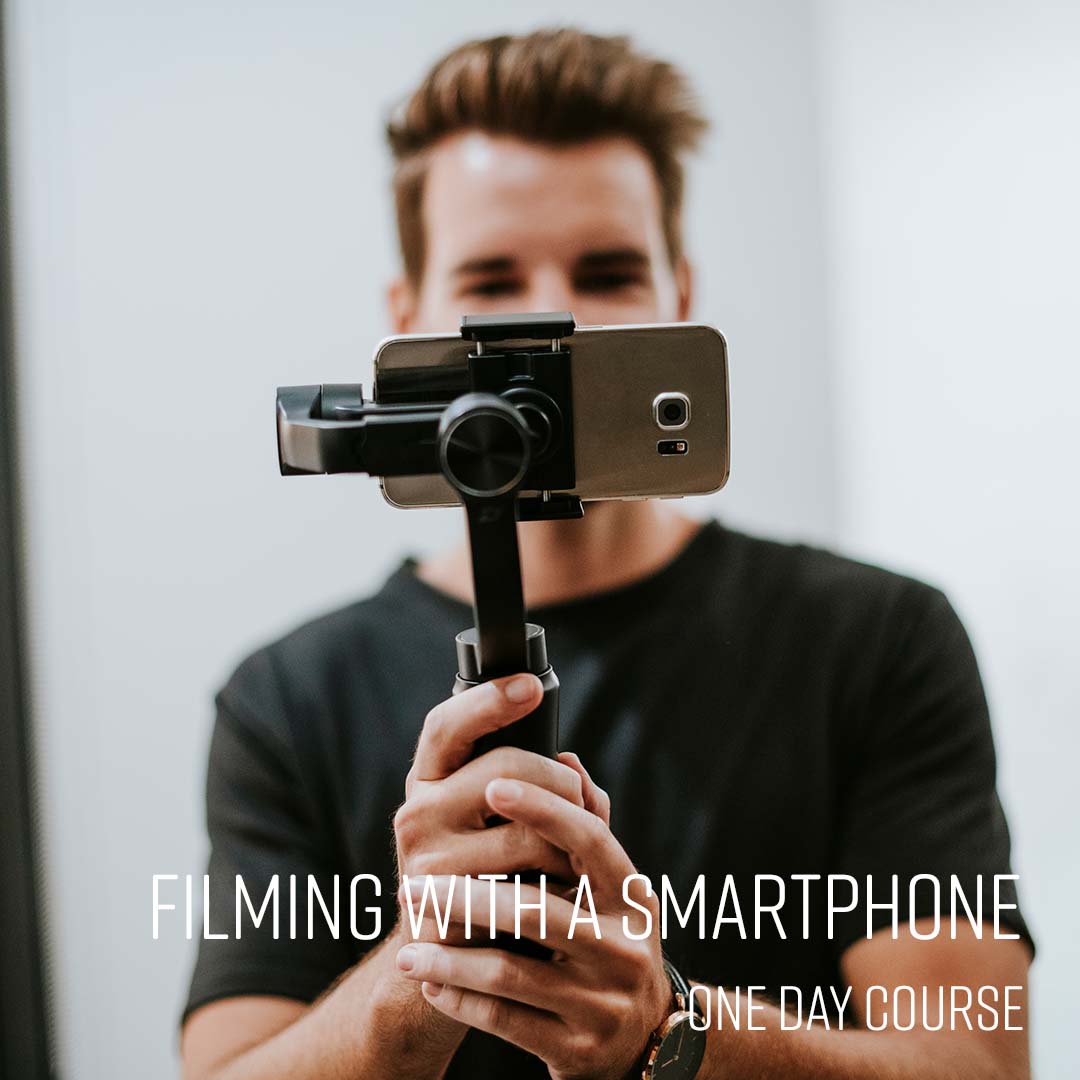
Shoot professional-quality video on your smartphone on this practical one-day course. Covers kit, manual settings, audio, lighting and interview composition.
View course
From £349 + VAT
Create social media graphics, documents and video content quickly and confidently with Canva. A practical one-day course covering design, print, social media and AI-powered tools.
View course
From £599 + VAT
Build your brand on TikTok with a content strategy that reaches and grows your audience. A practical one-day course covering storytelling, filming, editing and TikTok growth tactics.
View course
Adding text and titles to your videos is simple once you know how.

Planning to start a podcast?

Thinking of learning Logic Pro X for music production?