11 to 12 February 2027
Thu-Fri
Create polished, professional videos with confidence.
A practical 2 day course for new CapCut users.
Create polished, professional videos with confidence. A practical 2 day course for new CapCut users.
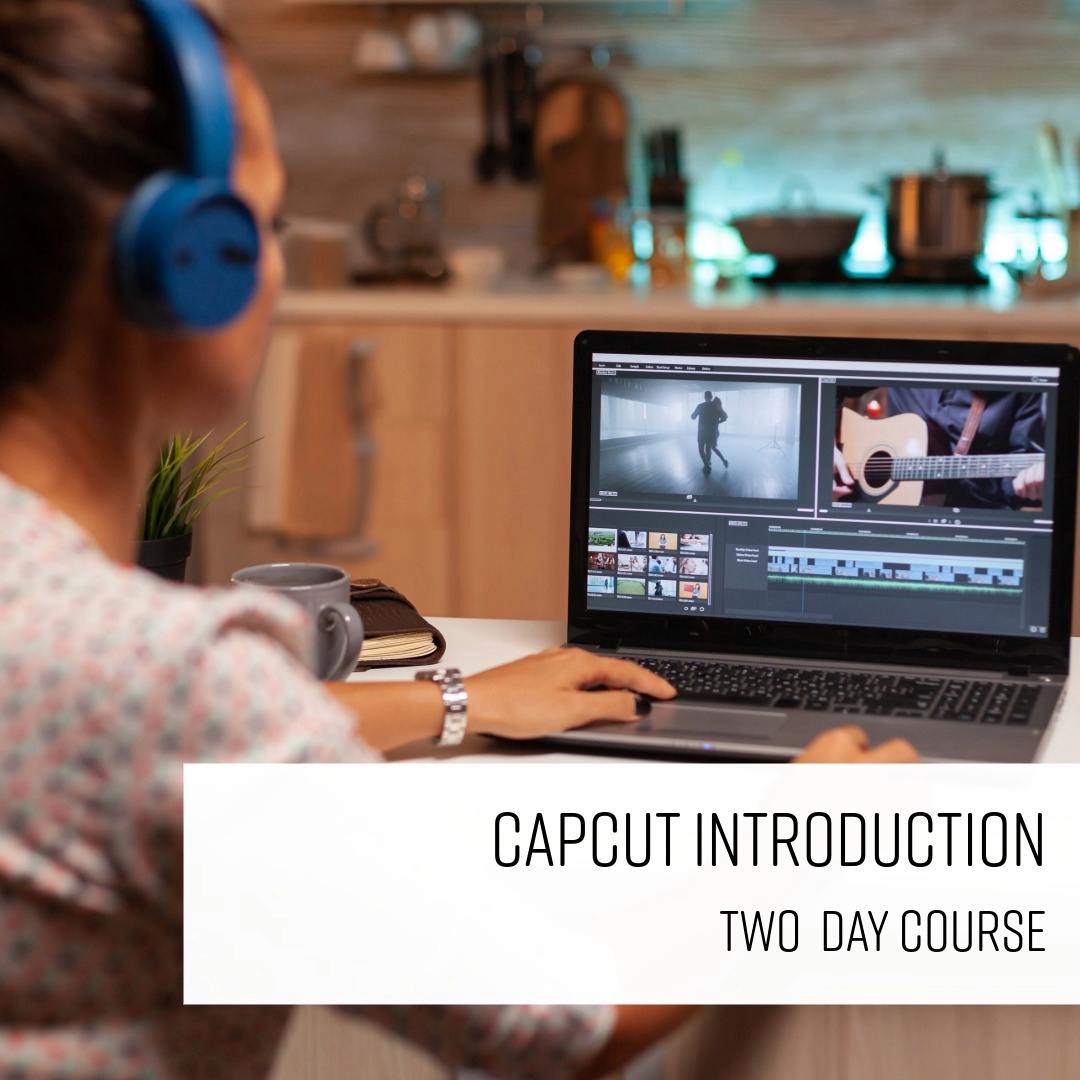
Learn the essential skills you need to edit professional-quality video with CapCut Desktop.
This practical two-day course takes you through the complete editing process, from setting up projects and organising footage to building and refining a finished video.
You’ll learn how to edit clips, work with audio, add transitions and effects, adjust colour, create titles and captions, and use subtitles and Auto Reframe.
The course also covers exporting videos for social media, helping you create content ready to share.
With hands-on instruction throughout, it’s ideal for anyone new to CapCut who wants to build confident, practical video editing skills.
| Course dates | Days | Location | Places | RRP | Discount | You pay | |
|---|---|---|---|---|---|---|---|
| 11 to 12 February 2027 | Thu-Fri | Online | Available | £549 | £100 | £449 + VAT | |
| 14 to 15 April 2027 | Wed-Thu | Online | Available | £549 | £549 + VAT | ||
| 17 to 18 June 2027 | Thu-Fri | London Islington | Available | £549 | £549 + VAT | ||
| 2 to 3 August 2027 | Mon-Tue | Online | Available | £549 | £549 + VAT | ||
| 4 to 5 October 2027 | Mon-Tue | London Islington | Available | £549 | £549 + VAT |
| Course dates | Days | Location | Places | RRP | Discount | You pay | |
|---|---|---|---|---|---|---|---|
| 17 to 18 June 2027 | Thu-Fri | London Islington | Available | £549 | £549 + VAT | ||
| 4 to 5 October 2027 | Mon-Tue | London Islington | Available | £549 | £549 + VAT |
| Course dates | Days | Location | Places | RRP | Discount | You pay | |
|---|---|---|---|---|---|---|---|
| 11 to 12 February 2027 | Thu-Fri | Online | Available | £549 | £100 | £449 + VAT | |
| 14 to 15 April 2027 | Wed-Thu | Online | Available | £549 | £549 + VAT | ||
| 2 to 3 August 2027 | Mon-Tue | Online | Available | £549 | £549 + VAT |
Private & team training
Available as private, bespoke or team training at our centre, live online, or at your venue. Customise the outline, train as a group, or book a one-to-one with an expert.
Swipe for more dates
Thu-Fri
Wed-Thu
Thu-Fri
Mon-Tue
Mon-Tue
Private & team training
Available as private, bespoke or team training at our centre, live online, or at your venue. Customise the outline, train as a group, or book a one-to-one with an expert.
Preferences and project settings
Customising the workspace
Project & Sequence Settings
Importing Media
The Media Tab
The Media Library
Templates
Organising Media - Clips and Folders
List View & Icon View
Skimming Clips
Previewing Clips
Transport Control Short Cuts, Shuttling & Jogging Playback
Setting In & Out Points
Understanding compression (Codecs)
Drag & Drop Editing
Edit Buttons
Navigation Short Cuts in The Timeline
Building a rough Cut
Refining a sequence
Shuffling Clip Order
Linking & Unlinking Clips
Locking Tracks
The Magnetic Timeline
Ripple Delete
Using Rolling edits and Ripple edits; slipping
Slipping a clip
Replacing a clip
Adding Cut Aways
Editing
Key Frame Audio
Adjusting audio Levels
Creating fades
Dipping audio
Normalising audio levels
Adjusting multiple audio levels
Adding Transitions
Amending & Replacing transitions
Adding Effects
Amending Effects
Intrinsic effects
The Effects Control Tab
Toggling effects on & Off
Copying & Pasting effects
Using filters and motion settings
Colour Correction Tools
Creating a basic Title / Caption
Using The Essential Graphics Tab
Graphics Templates
Transcribe & subtitling
Auto Reframe
Export For Social Media
Anyone looking to edit professional-quality video using CapCut Desktop. This is a beginner friendly course, and no previous editing experience is required.

You need a skill for the role you already have, or your employer is investing in the team.

You're moving into a new field and need the practical skills it asks for.

You know the theory. A practical course and a certificate of attendance show employers you can do the work.
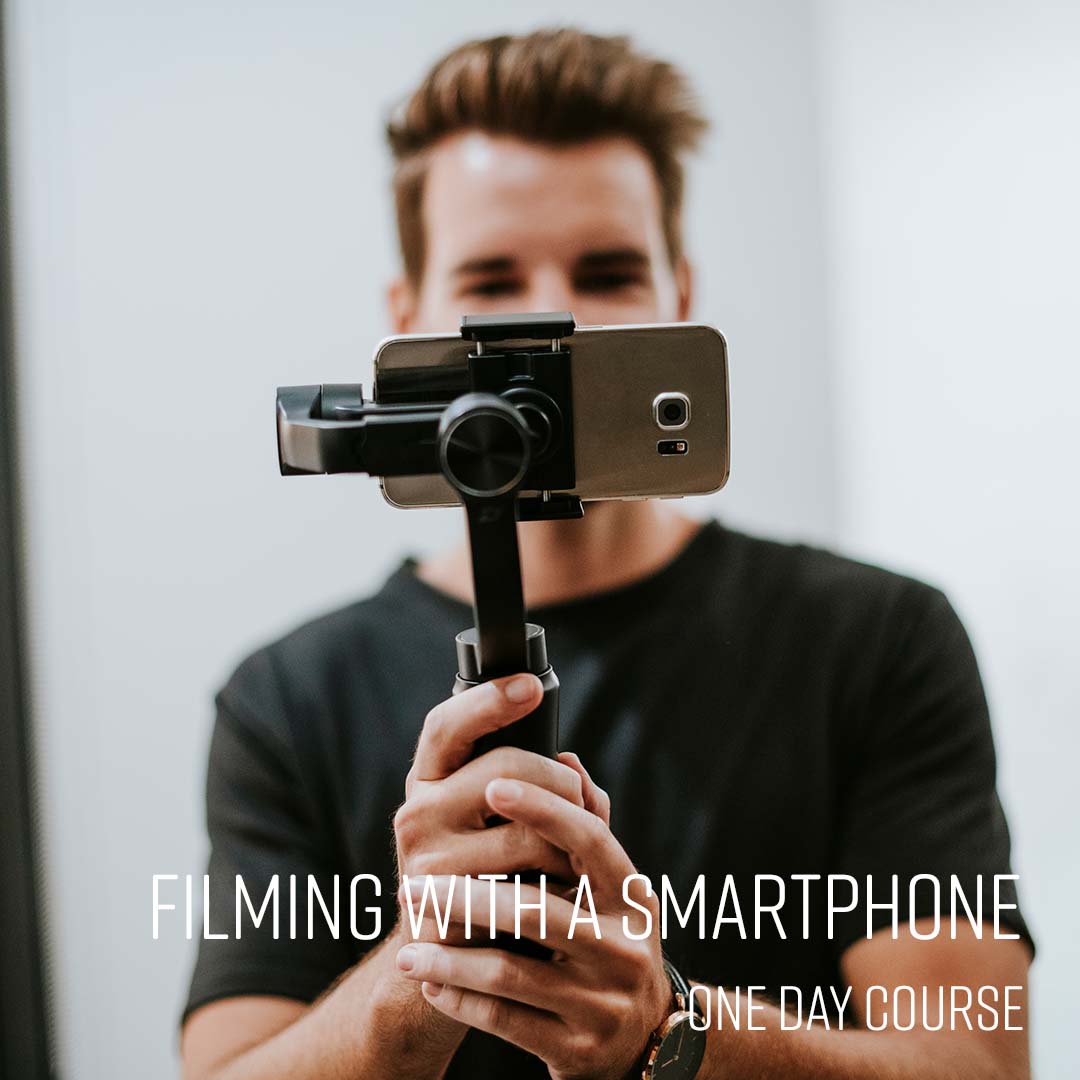
From £349 + VAT
Shoot professional-quality video on your smartphone on this practical one-day course. Covers kit, manual settings, audio, lighting and interview composition.
View course
From £349 + VAT
Create social media graphics, documents and video content quickly and confidently with Canva. A practical one-day course covering design, print, social media and AI-powered tools.
View course
From £599 + VAT
Build your brand on TikTok with a content strategy that reaches and grows your audience. A practical one-day course covering storytelling, filming, editing and TikTok growth tactics.
View course
Storyboarding is an essential part of video production, which needs to be accurate and complete.

Adding text and titles to your videos is simple once you know how.

We explain the difference between the free and paid versions of DaVinci Resolve, and the minimum requirements you need…