17 to 18 February 2027
Wed-Thu
Edit video from scratch in DaVinci Resolve on this beginner-friendly two-day course.
Covers the full workflow — from import and rough cut to colour, titles and final export.
Edit video from scratch in DaVinci Resolve on this beginner-friendly two-day course. Covers the full workflow — from import and rough cut to colour, titles and final export.
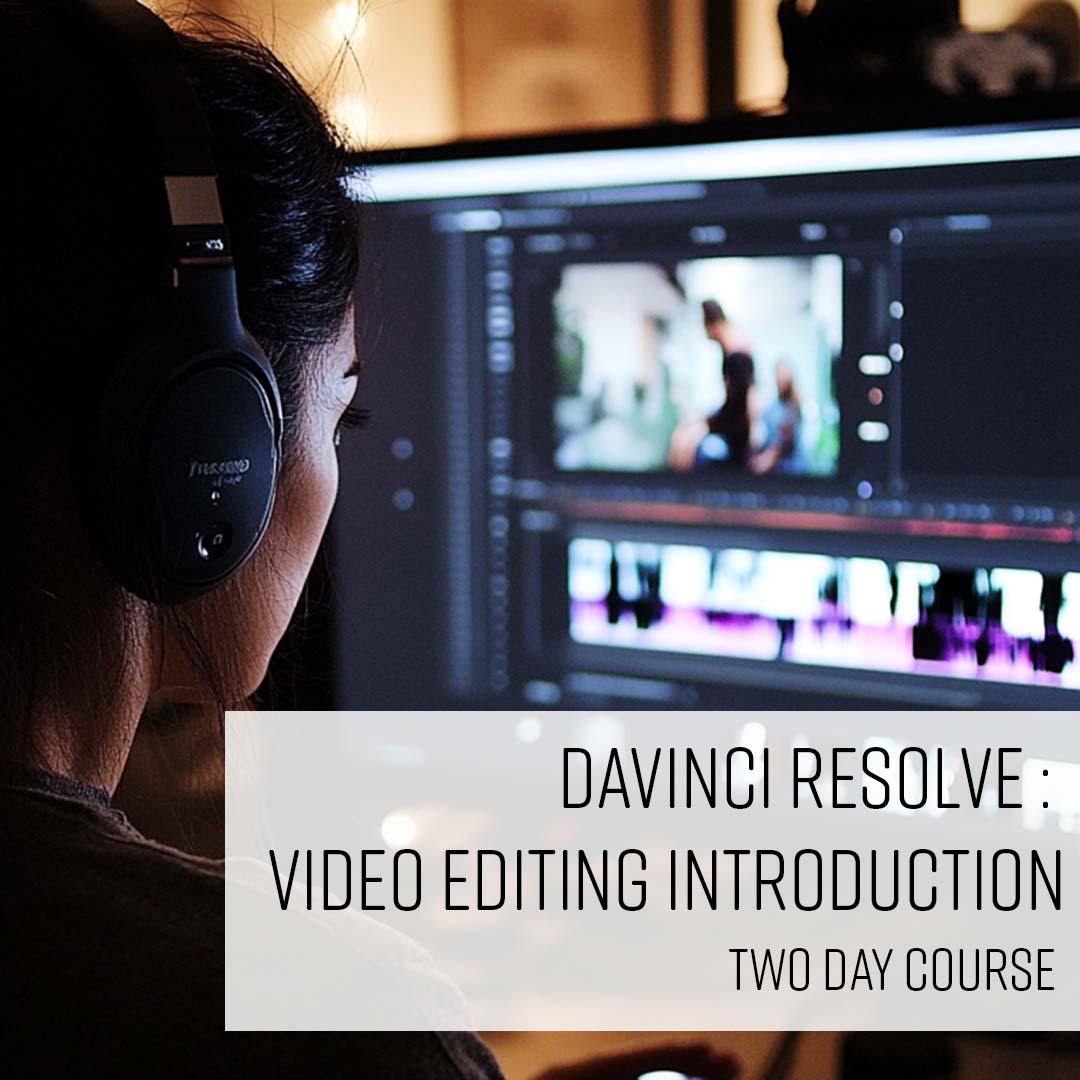
Edit video from scratch in DaVinci Resolve on this beginner-friendly two-day introduction course.
Using the free version of the software, you'll learn to navigate the workspace and pages, build and refine a rough cut in the timeline, edit and mix audio tracks, add titles, logos, transitions and effects, apply basic colour correction using the Colour page and LUTs, and export your finished project.
Suitable for anyone new to video editing, including those working in marketing, content creation and graphic design.
| Course dates | Days | Location | Places | RRP | Discount | You pay | |
|---|---|---|---|---|---|---|---|
| 17 to 18 February 2027 | Wed-Thu | Online | Available | £549 | £50 | £499 + VAT | |
| 1 to 2 June 2027 | Tue-Wed | Online | Available | £549 | £549 + VAT | ||
| 6 to 7 September 2027 | Mon-Tue | Online | Available | £549 | £549 + VAT |
| Course dates | Days | Location | Places | RRP | Discount | You pay | |
|---|---|---|---|---|---|---|---|
| 17 to 18 February 2027 | Wed-Thu | Online | Available | £549 | £50 | £499 + VAT | |
| 1 to 2 June 2027 | Tue-Wed | Online | Available | £549 | £549 + VAT | ||
| 6 to 7 September 2027 | Mon-Tue | Online | Available | £549 | £549 + VAT |
Private & team training
Available as private, bespoke or team training at our centre, live online, or at your venue. Customise the outline, train as a group, or book a one-to-one with an expert.
Swipe for more dates
Wed-Thu
Tue-Wed
Mon-Tue
Private & team training
Available as private, bespoke or team training at our centre, live online, or at your venue. Customise the outline, train as a group, or book a one-to-one with an expert.
Overview of the workspace
Using DaVinci Resolve’s Pages (Media, Cut, Edit, Fusion, Colour, Fairlight and Deliver)
Basic navigation and keyboard shortcuts
Importing video, audio, and images
Organising files and projects
Setting up a new project
Adding clips to a timeline
Understanding track layers
Using the basic editing tools: Selection, Trim, Blade, and Slip
Removing unwanted footage using basic trimming techniques
Importing audio files and adding them to the timeline
Basic audio editing: adjusting levels, adding fades
Mixing audio
Adding basic transitions (including Cut, Dissolve and Fade)
Adding simple visual effects using the Effects Library
Adjusting transition duration and styles
Creating basic titles and credits using the Text tool
Customising fonts, colours, and animations
Adding logos and images
Using title templates
Introduction to the Colour tab and colour wheels
Adjusting brightness, contrast, saturation, and white balance
Using LUTs for basic colour grading
A brief look at nodes
Reviewing and refining cuts and transitions
Basic project troubleshooting
Using markers and flags for notes
Using the Deliver tab and rendering settings
Choosing the right format and resolution (YouTube, Vimeo, Social Media, etc.)
Setting up export presets and batch exporting
Ideal for marketers, content creators, graphic designers and anyone new to video editing who wants to learn DaVinci Resolve from scratch. No prior editing experience required.
Really good at working out what our knowledge already was and tailoring the course to our level. Skipping over the bits that we didn't need…
Clear, friendly, knowledgeable, and supportive It is very helpful to have the one-to-one sessions, especially the online training. It was u…
Course was relaxed, well structured with each project building on what has been learned, with real world tips from experienced user/instruc…
Swipe for more
Read course reviews
You need a skill for the role you already have, or your employer is investing in the team.

You're moving into a new field and need the practical skills it asks for.

You know the theory. A practical course and a certificate of attendance show employers you can do the work.

From £499 + VAT
Master colour correction and grading in DaVinci Resolve on this two-day specialist course. Covers scopes, primary and secondary correction, nodes, qualifiers and grade management.
View course
From £449 + VAT
Take your first steps into the world of 3D design with Blender, the industry's leading free software. Learn modelling, materials, lighting and animation to showcase your ideas with stunning visuals.
View course
From £1,198 + VAT
Translate scripts and ideas into clear, professional storyboards on this two-day course. Covers visualisation, shot types, script breakdown and digital storyboarding in Photoshop.
View course
We explain the difference between the free and paid versions of DaVinci Resolve, and the minimum requirements you need…

Want to create high-quality videos?

You don't have to own a DSLR camera to produce professional photos.
