Excel Courses in Newcastle
We can offer any of our Excel courses as private training at a venue of your choice in Newcastle. If you prefer, we can deliver live virtual Excel training in Newcastle for you or your team. You can also join any of our public scheduled Excel courses live online or at our venue in London. Browse courses below, or go straight to team / private training, upcoming online dates, or London face-to-face dates.
We can offer any of our Excel courses as private training at a venue of your choice in Newcastle. If you prefer, we can deliver live virtual Excel training in Newcastle for you or your team. You can also join any of our public scheduled Excel courses live online or at our venue in London. Browse courses below, or go straight to team / private training, upcoming online dates, or London face-to-face dates.










-
Expert Trainers Experienced industry expert
- Class Size 1–8 in person or 1–6 online
- Support 28 days free helpdesk
- Cancellation 7 day cancellation
- Certificate Certificate of attendance
- Volume Discounts Save with Learning Pots

Microsoft Excel Intro
From £229 + VAT
One day Live Online Private Options
Learn Microsoft Excel from scratch on this practical one-day introduction course for complete beginners.
Covering the interface, spreadsheet creation, data entry and formatting, formulas and functions, sorting and filtering, conditional formatting, creating and formatting charts and setting up and printing worksheets.
- Navigate the Excel interface and workbooks
- Enter, format and organise data effectively
- Write and edit formulas and functions
- Sort, filter and apply conditional formatting
- Create charts and print worksheets professionally
-
"I haven't done an online course like this before and I am surprised how it was to learn. I enjoye dit"
26th August 26 - With Lisa
-
"Lisa was very personable and clearly has a lot of knowledge. I really appreciated the foresight into the intermediate courses and reference to clear progression."
26th August 26 - With Lisa
-
"Lisa G is a great teacher, truly engaging and helpful. Thank you so much"
Miller Homes - 26th August 26 - With Lisa
-
"Explaining each section and allowing us to take time and understand it all - Patience"
26th August 26 - With Monica
-
"Explaining things in different ways so everyone can understand."
Vinci - 26th August 26 - With Monica
- More Reviews

Microsoft Excel Intermediate
From £229 + VAT
One day Live Online Private Options
Build upon your basic Excel knowledge and master more advanced features and
functions.
Learn new techniques to manipulate data, analyse information and
automate tasks.
This intermediate level Excel course will also provide you with time-saving tips,
tricks, and shortcuts that can streamline your workflow and increase productivity.
- Write more advanced formulas with confidence
- Apply conditional formatting to highlight data
- Manage multiple worksheets efficiently
- Use VLOOKUP, SUMIFS and IF to interrogate data
- Organise large data sets without losing control
-
"Clearly explaining and answering questions."
Miller Homes - 9th September 26 - With Kevin
-
"Knowledge base. keeping at a good level for all students while making sure everyone was getting it."
9th September 26 - With Kevin
-
"I felt like it was an informative session that felt like an Excel bootcamp. Kevin was very knowledgeable, and if we had any queries, he was very patient in answering them."
9th September 26 - With Kevin
-
"Great Explanations and easy to understand"
24th July 26 - With Monica
-
"Talking things through, always asking if we had any questions."
24th July 26 - With Monica
- More Reviews

Microsoft Excel Adv
From £229 + VAT
One day Live Online Private Options
Master Excel's advanced data analysis features on this expert-led one-day course for experienced users.
Covering nested formulas, VLOOKUP, INDEX and MATCH, data validation, formula auditing and evaluation tools, PivotTables and slicers, interactive charts linked to PivotTables, macros and Power Query.
- Master VLOOKUP, INDEX, MATCH and nested formulas
- Reduce audit risk with data validation techniques
- Build and manage PivotTables with slicers
- Create interactive charts linked to PivotTables
- Automate tasks with macros and Power Query
-
"Explanation, knowledge and how to manage time."
Lacoste - 28th August 26 - With Monica
-
"She was incrediblty insightful andf indepth - we went over lots of things and coverfed ground thats appropriate for our work. I found todays sensation great!"
Lacoste - 15th July 26 - With Monica
-
"Very good at using examples and there was a great mixture between learning and practice which means I can effectively go back and use this within my workplace. Very engaging and also added in additional areas areas that we had asked questions about."
Lacoste - 15th July 26 - With Monica
-
"Lots of relevant, efficiencies in building spreadsheets and analysis."
Sheffield Children's Hospital - 9th July 26 - With Sue
-
"Training was very thorough and enjoyable. Answered all my questions and used my real life example to help me understand further."
9th July 26 - With Sue
- More Reviews

Microsoft Excel Dashboards
From £349 + VAT
One day Live Online Private Options
Learn to build interactive Excel dashboards on this expert-led one-day specialist course.
Covering Power Query, data preparation and cleaning, PivotTables, dynamic charts linked to PivotTables, slicers, dashboard layout and design, formulas, named ranges and conditional formatting — prior Excel experience required.
- Import and prepare data dynamically using Power Query
- Build PivotTables and create charts linked to them
- Add slicers and filters for dashboard interactivity
- Design clear, logical dashboard layouts
- Use formulas and conditional formatting to tell a story
-
"Explaining the concepts so that it was easy to understand and providing the examples so that we had something to work through. Kevin was patient and helpful to ensure we understood what we needed to do and had the correct method we could apply to our roles going forward."
3rd November 25 - With Kevin
-
"Kev was a brilliant teacher, super friendly, super helpful and I felt like he took the time to explain things really well. Highly recommend. Thank you Kev!"
24th September 25 - With Kevin
-
"Kevin was a very kind, helpful, knowledgable teacher, who was very well prepared and clear (and very patient!) in his instruction and training. Thank you! I was beginner level with excel and he really took his time and made everything 'bite size' to ensure we were able to digest the new information as we went along. There were also a good amount of breaks and I really benefited from the small class so that we had a lot of hands-on and personalised help."
Anna Bradbury - 24th September 25 - With Kevin
-
"Good courses on offer and delivered remotely and trainers are always first class"
ALS Mechatronic - 7th May 25 - With Kevin
- More Reviews

Microsoft Excel VBA
Two day Private Options
Learn to automate Excel with VBA on this expert-led two-day course.
Covering macros, the Visual Basic Editor, procedures and functions, variables and data types, control-of-flow and loops, working programmatically with ranges and worksheets, structured error handling and building interactive user forms.
- Record and run macros using the Developer tab
- Work in the Visual Basic Editor confidently
- Use variables, loops and control-of-flow structures
- Work programmatically with ranges and worksheets
- Build interactive user forms with form controls
-
"Great Teacher and teaching approach, loved the dynamic and learned so much."
Met Police - 10th August 26 - With Tom
-
"Great trainer, very knowledgeable and approachable. Well-paced and catered to the ability of the participants. Regular breaks to keep engaged and not too repetitive."
10th August 26 - With Tom
-
"Really thorough and could relate to struggles and correct some errors made"
JLR - 22nd September 25
-
"Very interactive & trainer tailored the course to suit our needs"
JLR - 22nd September 25
-
"Tom was fantastic, he tailored the course to suit what we were looking for meaning we will be able to use this in our day to day lives and make our jobs easier. Tom made the class interactive and kept us all really engaged. Highly recommend, thank you Tom"
Jaguar Landrover - 22nd September 25
- More Reviews
Microsoft Excel Power Query
One day Live Online Private Options
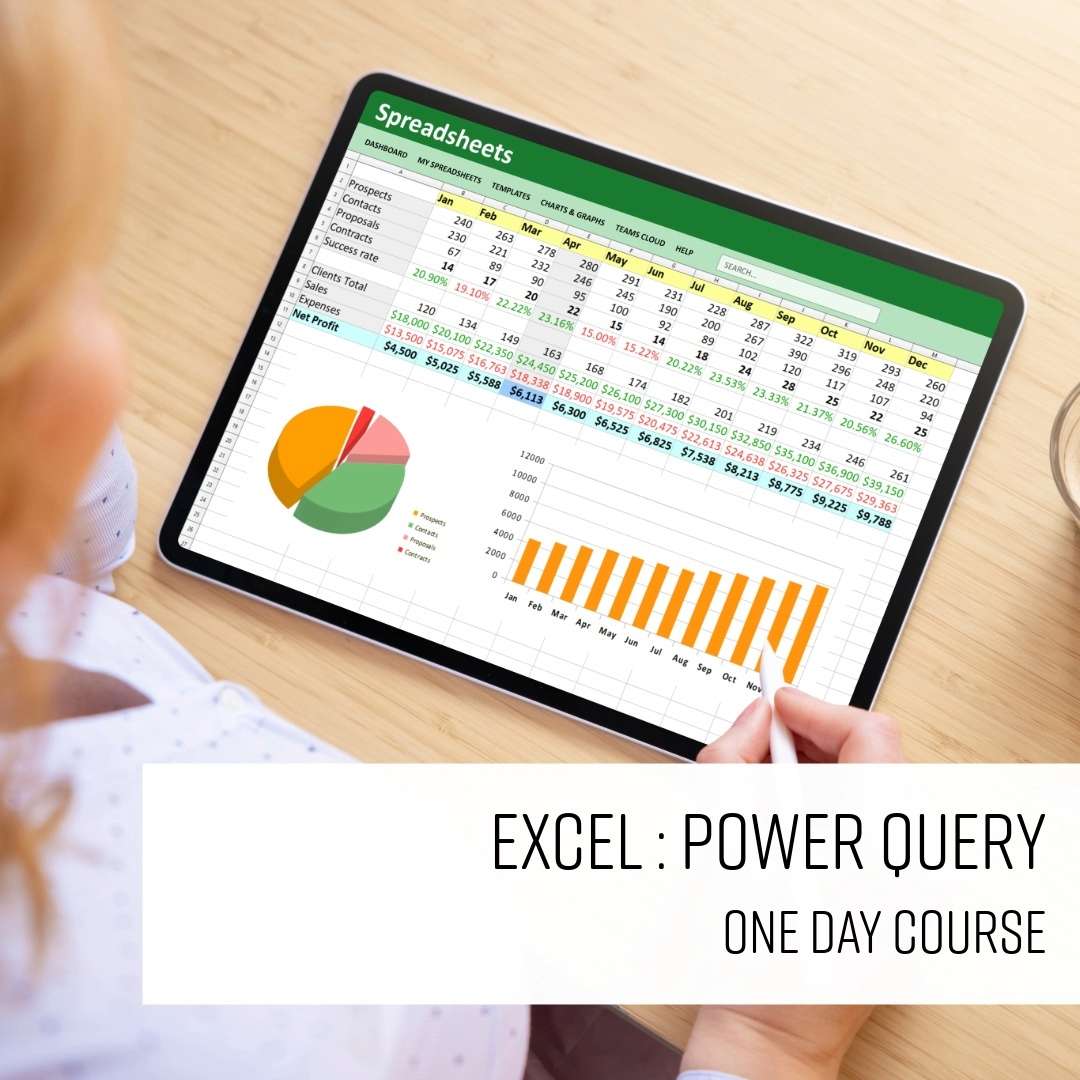
This one-day Excel Power Query course teaches you how to import data from a range of sources, clean and reshape it, and create analysis-ready datasets.
Learn practical techniques for transforming data, combining multiple datasets, and loading results into Excel tables or the Data Model for reporting and analysis.
- Import data from multiple sources
- Clean up messy data quickly
- Reshape data for easier analysis
- Combine and organise different datasets
- Load and refresh data with confidence
Learn Your Way

Face To Face
Learn face-to-face with experts in a dynamic setting that inspires growth and confidence.

Live Online
Join remotely with experts in real time — flexible, interactive learning that fits your lifestyle.

Team Training
Upskill your team together. Build your team and develop consistency, and collective confidence.


Recent Excel reviews
"Knowledge base. keeping at a good level for all students while making sure everyone was getting it."
"I felt like it was an informative session that felt like an Excel bootcamp. Kevin was very knowledgeable, and if we had any queries, he was very patient in answering them."
"I haven't done an online course like this before and I am surprised how it was to learn. I enjoye dit"
"Lisa was very personable and clearly has a lot of knowledge. I really appreciated the foresight into the intermediate courses and reference to clear progression."
"Lisa G is a great teacher, truly engaging and helpful. Thank you so much"
miller homes
"Explaining each section and allowing us to take time and understand it all - Patience"
"Great Teacher and teaching approach, loved the dynamic and learned so much."
Met Police
"Great trainer, very knowledgeable and approachable. Well-paced and catered to the ability of the participants. Regular breaks to keep engaged and not too repetitive."