6 to 8 January 2027
Wed-Thu-Fri
Go from shoot to finished edit on this three-day video production and editing course.
Covers planning, filming, lighting, audio capture and editing in Adobe Premiere Pro.
Go from shoot to finished edit on this three-day video production and editing course. Covers planning, filming, lighting, audio capture and editing in Adobe Premiere Pro.

Go from shoot to finished edit on this three-day video production and editing course for beginners.
You'll cover shoot planning and release forms, shot types, framing and composition, working with natural light and camera movement, how to prepare and shoot a professional interview on location, and how to import, edit, add audio and export your footage in Adobe Premiere Pro.
The course is practical throughout — by the end you'll have planned, filmed and edited a complete piece ready for broadcast, YouTube or social media.
Please bring your DSLR or Mirrorless camera.
A medium format camera or video and cinema camera are also suitable for this course.
If you're looking to learn how to film content with a smartphone please join our Filming with a Smartphone course.
| Course dates | Days | Location | Places | RRP | Discount | You pay | |
|---|---|---|---|---|---|---|---|
| 6 to 8 January 2027 | Wed-Thu-Fri | London Islington | Available | £899 | £200 | £699 + VAT | |
| 15 to 17 March 2027 | Mon-Tue-Wed | London Islington | Available | £899 | £899 + VAT | ||
| 12 to 14 May 2027 | Wed-Thu-Fri | London Islington | Available | £899 | £899 + VAT | ||
| 5 to 7 July 2027 | Mon-Tue-Wed | London Islington | Available | £899 | £899 + VAT | ||
| 31 August to 2 September 2027 | Tue-Wed-Thu | London Islington | Available | £899 | £899 + VAT | ||
| 27 to 29 October 2027 | Wed-Thu-Fri | London Islington | Available | £899 | £899 + VAT |
Private & team training
Available as private, bespoke or team training at our centre, live online, or at your venue. Customise the outline, train as a group, or book a one-to-one with an expert.
Swipe for more dates
Wed-Thu-Fri
Mon-Tue-Wed
Wed-Thu-Fri
Mon-Tue-Wed
Tue-Wed-Thu
Wed-Thu-Fri
Private & team training
Available as private, bespoke or team training at our centre, live online, or at your venue. Customise the outline, train as a group, or book a one-to-one with an expert.
What is the story and what footage will be appropriate?
Preparing for a shoot - a shortlist of things to take
Release forms and when you need to use them
Framing shots
POVs (Points of View)
Considering eye-lines
Anticipating problems
Tripods and camera shake
Creating a context
Working with natural light
Tips for capturing movement
Panning shots
Planning an interview
How long do you have?
Research your subject
Planning questions in advance
Framing questions and eliciting answers
Questions to ask to create soundbites
Creating a context shot, or a background for the interview
Natural lighting vs artificial lighting
Working within time constraints
Shooting a piece to camera
Problems to avoid
Different noise considerations when using an on camera mic or external mic
Recording sound
Working with background noise
Shooting terminology
Understanding non-linear editing
Setting up a project
Adobe Premiere and its interface
Choosing preference settings
Working with bins
Transferring your footage from the camera to the desktop
Capturing and playing back digital video
Viewing and marking clips
Working with your story
Selecting footage to use
Creating a piece with a start, middle and end
Understanding the Timeline and the Canvas
Editing in the Timeline
Viewing edit points
Inserting clips
Deleting clips and gaps
Trimming, dragging and fine-tuning edit points
Editing for impact
Using the trim edit window
Adding video transitions
Adjusting audio in the timeline
Editing sound clips
Creating voiceovers
Combining location recordings and voiceovers
Making audio-only edits
Applying audio transitions
Adding logos, maps, diagrams and other items
Incorporating still images
Animating still images
Adding titles
Animating titles
Exporting your sequence and clips
Compression issues
For complete beginners who want to learn the full video production workflow from shoot to finished edit. Please bring your own camera. Premiere Pro is used for editing — no prior experience needed.
The team in reception were so so lovely, nothing was too much trouble and they were extremely approachable. The training centre itself is r…
The team in the reception area were extremely welcoming, friendly and helpful. There are so many useful facilities and every space is kepy…
Good, patient and knowledgeable trainer. Nice snacks, coffee and location.
Very good at providing examples and making the course fit each individual persons needs
Very knowledgeable tutor and incredibly well delivered. The content was presented in a very easy-to-understand way. Things that were compli…
Was really informative and useful, gave lots of clear examples at every stage
Course content, examples, tips and explanation of terms
Well organised, super friendly on arrival, and made to feel welcome straight away. Teaching fab - knowledgeable and effective - and split i…
Swipe for more
Read course reviews
You need a skill for the role you already have, or your employer is investing in the team.

You're moving into a new field and need the practical skills it asks for.

You know the theory. A practical course and a certificate of attendance show employers you can do the work.

From £449 + VAT
Raise your Premiere Pro editing to a professional standard on this two-day intermediate course. Adobe Certified Professionals cover multicam, audio mastering, colour and advanced effects.
View course
From £349 + VAT
Edit, mix and master audio professionally on this one-day Adobe Audition course. Ideal for podcasters, video editors and anyone working with voice or music production.
View course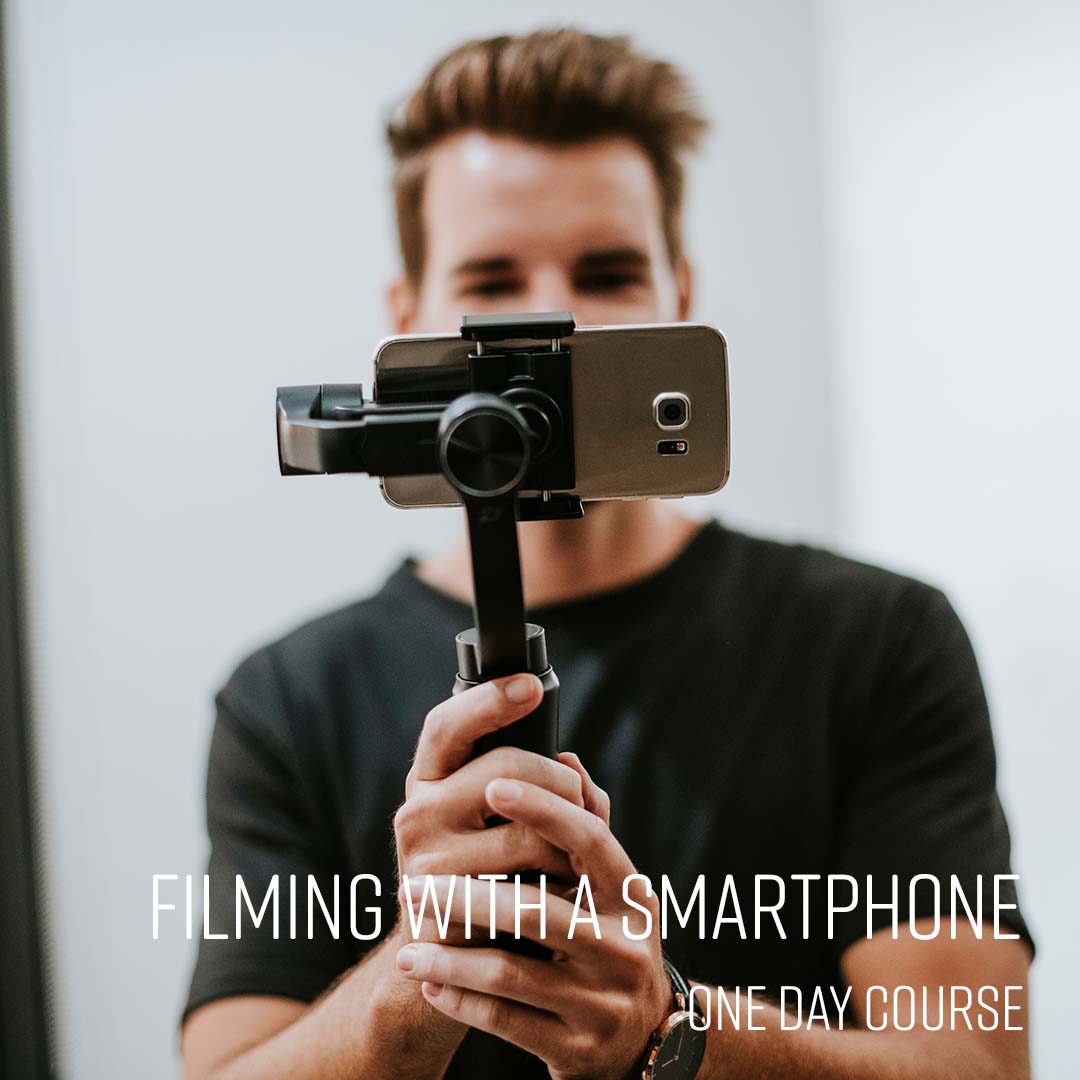
From £329 + VAT
Shoot professional-quality video on your smartphone on this practical one-day course. Covers kit, manual settings, audio, lighting and interview composition.
View course
Video testimonials are a great way to attract new clients and build trust among existing clients.

You don't have to own a DSLR camera to produce professional photos.

Video marketing will become more exciting and engaging than ever.