Premiere Courses in Helsinki
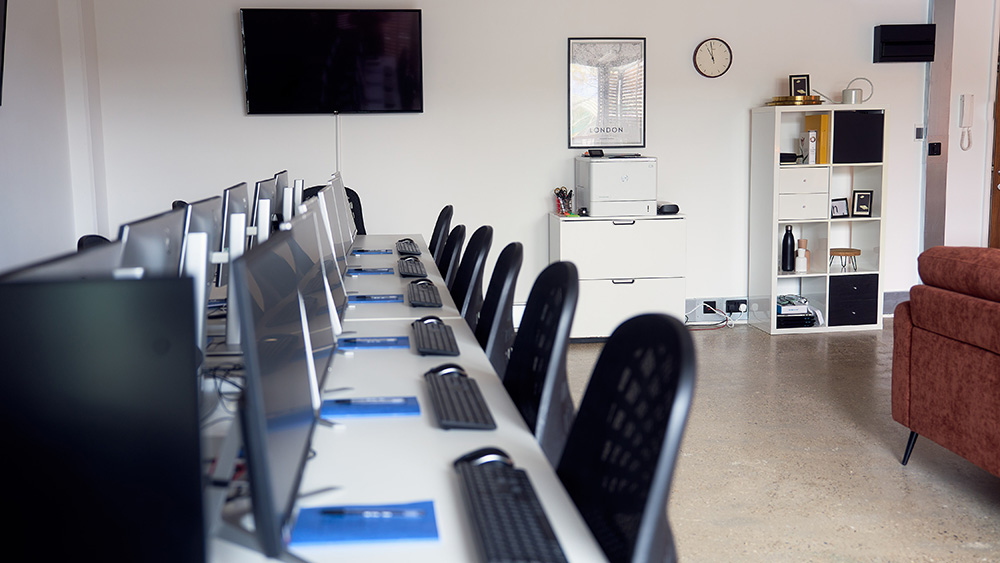
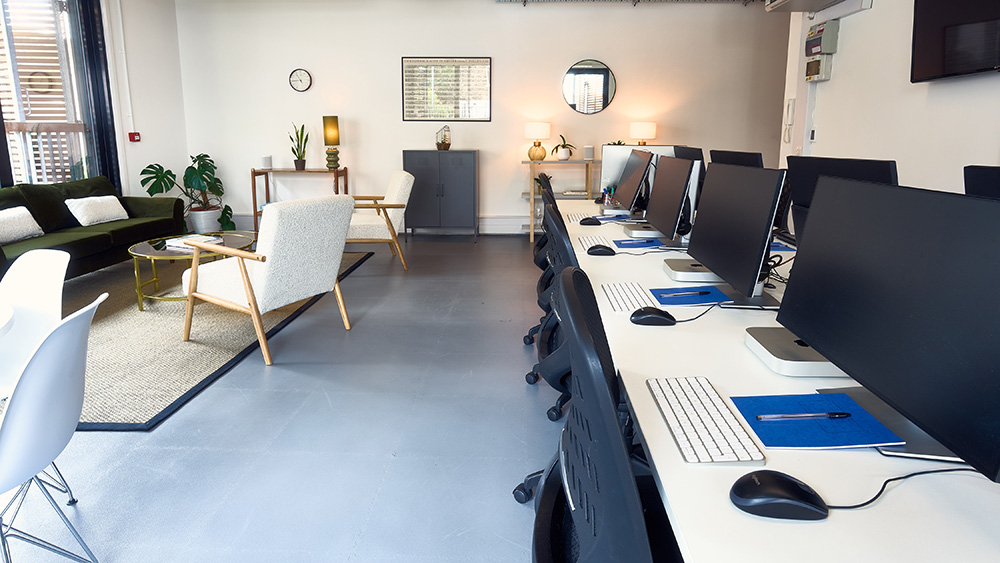
We can offer any of our Premiere courses as private training at a venue of your choice in Helsinki. If you prefer, we can deliver live virtual Premiere training in Helsinki for you or your team. You can also join any of our public scheduled Premiere courses live online or at our venue in London. Browse courses below, or go straight to team / private training, upcoming online dates, or London face-to-face dates.
We can offer any of our Premiere courses as private training at a venue of your choice in Helsinki. If you prefer, we can deliver live virtual Premiere training in Helsinki for you or your team. You can also join any of our public scheduled Premiere courses live online or at our venue in London. Browse courses below, or go straight to team / private training, upcoming online dates, or London face-to-face dates.








-
ACP Trainers Adobe Certified Professional
- Class Size 1–8 in person or 1–6 online
- Support 28 days free helpdesk
- Cancellation 7 day cancellation
- Certificate Certificate of attendance
- Volume Discounts Save with Learning Pots

Premiere Intro
From £399 + VAT
Two day Live Online Private Options
Master the essentials of Adobe Premiere on this expert-led two-day course.
You'll cover the complete editing workflow — importing and organising footage, cutting sequences, mixing audio, adding titles and effects, colour correcting and exporting finished video.
Ideal for beginners and career changers looking to edit professionally.
- Import, organise and manage your footage
- Cut and sequence clips in the Timeline
- Mix and clean audio tracks effectively
- Add titles, graphics and visual effects
- Export finished video for any platform
-
"I loved this course! I feel so much more confident than when I began, testament to the course materials and Alexandra's teaching. The course covered the basics very well, and was at a pace that suited all learners. Questions were welcomed and everyone had opportunity to contribute and learn."
20th August 26 - With Alexandra
-
"Excellent a providing clear step by step instructions for all levels and abilities. Gave spoken instruction and written in the chat."
20th August 26 - With Alexandra
-
"Just covering all aspects of basic premiere training but in detail. It felt like enough time to learn what we needed and take it all in whilst also being a semi crash course."
London Marathon Events - 20th August 26 - With Alexandra
-
"Engaging and detailed, lots covered quite efficiently"
28th July 26 - With James
-
"Great examples used, good to work through these as we went, very good training!"
UCL - 28th July 26 - With James
- More Reviews

Premiere Intermediate
From £429 + VAT
Two day Live Online Private Options
Elevate your Premiere Pro skills on this expert-led two-day intermediate course.
Covering proxy workflows, multicam editing and audio sync, broadcast audio mastering, keyframe animation, motion graphics using the Essential Graphics panel, colour correction and grading — for editors ready to tackle complex, professional projects.
- Configure Premiere for an efficient editing setup
- Edit multicam footage and sync multiple angles
- Mix and master audio to a broadcast standard
- Add animation, motion graphics and effects
- Colour correct footage for a polished finish
-
"Clear instructions and examples, smooth process overall"
26th August 26 - With James
-
"I've learned a lot of useful tips that will be really helpful in the future. Really good trainer."
26th August 26 - With James
-
"Great examples, easy to follow along, no rushing or pressure, not having to show work to the room! picked up loads of tricks to make my work more efficient"
Shakespeare's Globe - 26th August 26 - With James
-
"Excellent trainer, very enjoyable course. I learnt a lot and felt I was very able to ask questions and no question was a silly question"
MPS - 24th August 26 - With James
-
"James was an excellent trainer, it was a bonus that he was a working professional so he brought all his best practice methods too."
Charities Aid Foundation - 24th August 26 - With James
- More Reviews

Premiere Adv
From £349 + VAT
One day Live Online Private Options
Push your Premiere Pro skills to a broadcast standard on this advanced expert-led one-day course.
Covering multicam editing, advanced audio, time remapping, LOG footage colour grading and After Effects integration — ideal for experienced editors ready to reach the next level professionally.
- Set up sequences for multi-channel broadcast output
- Speed up your edit with shortcuts and techniques
- Edit multicam footage with seamless audio
- Apply motion, transparency and advanced effects
- Colour grade and create graphics at expert level
-
"Working examples of colour correction and sound editing."
19th August 26 - With James
-
"This is was brilliant, and really helpful answering questions"
Penguin Random House - 19th June 26 - With Tom
-
"I ended up having a one on one session with the trainer who was really knowledgable and able to tailor the class to my needs which was great! The centre staff were all friendly and helpful."
Historic Royal Palaces - 13th February 26 - With Tom
-
"Delivering 1-2-1 training. Exposing students' gaps in knowledge and addressing that."
MPS - 6th May 25 - With Tom
-
"Tom was great. I was lucky to be the only person on the course so he very quickly adjusted the plan for the day to cater to my particular queries and requirements. Loads of really useful tips and examples. Thank you!"
War Child - 14th March 25 - With Tom
- More Reviews

Premiere Colour Grading
From £349 + VAT
One day Live Online Private Options
Learn professional colour grading in Adobe Premiere on this expert-led one-day specialist course.
Covering colour theory, scopes, primary and secondary correction, qualifiers, masks, grading for mood and atmosphere, and Lumetri Looks — for editors aiming for a polished, cinematic finish.
- Understand the fundamentals of colour theory
- Correct luminance, contrast and chrominance
- Apply primary and secondary colour corrections
- Grade footage to create mood and atmosphere
- Use Lumetri Looks and save reusable grades
-
"Very clear explanation's and good examples"
10th July 26 - With Tom
-
"Being patient and answering questions. Covering a lot but being really knowledgeable"
10th July 26 - With Tom
-
"Great explanations, even for the basics - never assumed knowledge. Answered questions well and covered everything I expected"
Dementia UK - 10th July 26 - With Tom
-
"Very welcoming atmosphere, as well as knowledgeable, informative and thorough. Overall great teaching plan."
Audere Ltd - 17th March 26 - With Tom
-
"The trainer was very patient, knowledgeable, supportive and answered any questions we had. She was super friendly and approachable and I found the training session to be extremely valuable and I have definitely learned a lot more than I had thought I would in a beginner session! :)"
Miller Homes - 17th March 26 - With Tom
- More Reviews
Learn Your Way

Face To Face
Learn face-to-face with experts in a dynamic setting that inspires growth and confidence.

Live Online
Join remotely with experts in real time — flexible, interactive learning that fits your lifestyle.

Team Training
Upskill your team together. Build your team and develop consistency, and collective confidence.


Recent Premiere reviews
"I've learned a lot of useful tips that will be really helpful in the future. Really good trainer."
"Great examples, easy to follow along, no rushing or pressure, not having to show work to the room! picked up loads of tricks to make my work more efficient"
Shakespeare's globe
"Excellent trainer, very enjoyable course. I learnt a lot and felt I was very able to ask questions and no question was a silly question"
MPS
"James was an excellent trainer, it was a bonus that he was a working professional so he brought all his best practice methods too."
Charities Aid Foundation
"Giving us time to practice really helped. It was a good pace and not to overwhelming and James was very approachable if I had questions!"
TKMAXX
"I thought this was a really well delivered course. It covered everything at a good pace, digestible - and didn't cram too much in. I was able to follow along without any issue and feel confident that I am finishing the course with a good understanding of all the learning points."
Porterbrook
"I loved this course! I feel so much more confident than when I began, testament to the course materials and Alexandra's teaching. The course covered the basics very well, and was at a pace that suited all learners. Questions were welcomed and everyone had opportunity to contribute and learn."
"Excellent a providing clear step by step instructions for all levels and abilities. Gave spoken instruction and written in the chat."
"Just covering all aspects of basic premiere training but in detail. It felt like enough time to learn what we needed and take it all in whilst also being a semi crash course."
London Marathon Events